Database connectivity comes to Deephaven
Leverage ADBC and ODBC for fast data extraction
February 17 2023


Relational databases have become the backbone of entire industries since their inception. ETL pipelines that turn the gears of the corporate world would crumble without them. Deephaven has transformed the T in ETL (transforming transforms?), making it easier than ever to manipulate complex data in both static and real-time contexts all the same. Why not cover the E and the L, too? Well, now Deephaven does.
Deephaven's v0.21 release brought the first Deephaven ODBC and ADBC client to the Python API. In this blog, I'll show you how simple it is to connect to and ingest data from a relational database using Deephaven's API.
The Deephaven ODBC and ADBC clients
ODBC makes accessing databases simple. Deephaven, a column-oriented query engine, is well-suited to source data from relational databases. Deephaven also relies heavily on Apache Arrow Flight to power the table engine. The Arrow Database Connectivity (ADBC) API is a natural fit for Deephaven as well. Start by using pip to install the necessary drivers:
Then, in Deephaven, just import the packages:
Usage
Using Deephaven's ADBC and ODBC clients is intuitive. If you have access to a relational database from your Deephaven instance, you need three things:
- The import statement
- The URI of the database
- A SQL query to execute
The workflows for both ADBC and ODBC are the same:
- Connect to the database.
- Execute a query in a cursor.
- Read the cursor.
What does that look like in a real example? Let's look at an ADBC query:
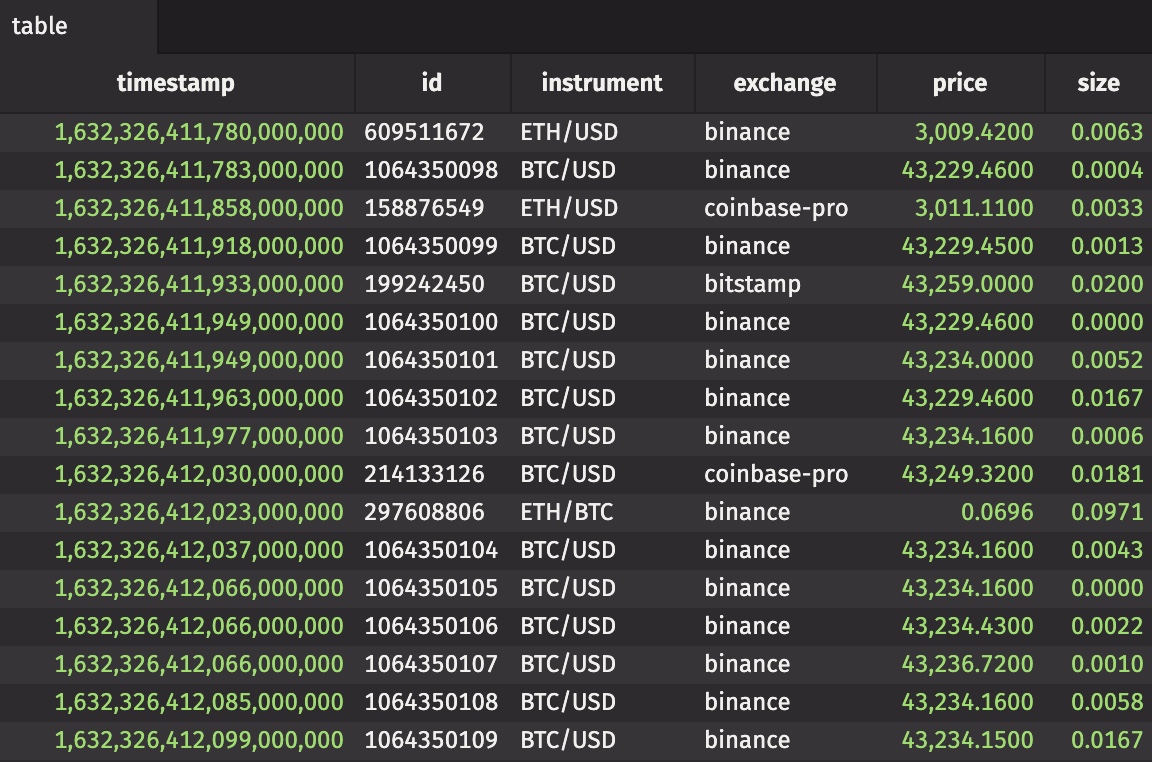
That's all there is to it.
If your database only supports ODBC/JDBC, the Deephaven ADBC client can still be used. This flexibility provides increased efficiency when extracting data from relational database systems.
Reach out
Our Slack community continues to grow. Join us!