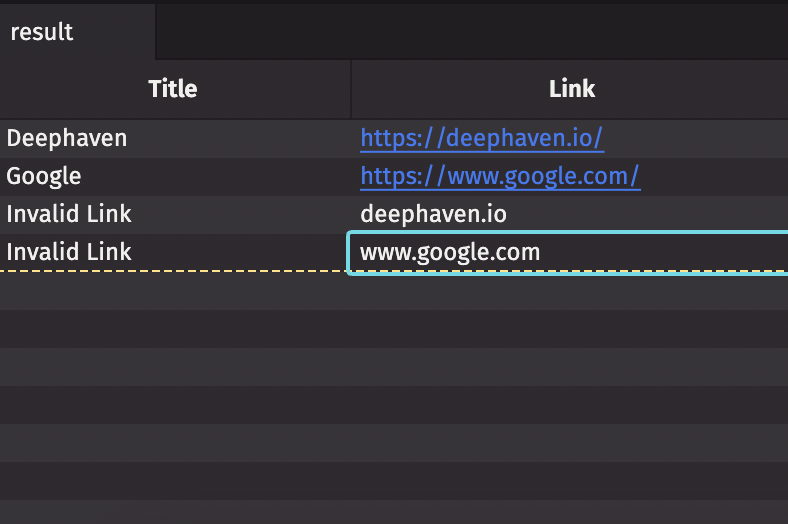
Add clickable links to a Deephaven table
This guide will show you how to add clickable links to a Deephaven table.
String columns containing links
Any string column can contain links. To add clickable links to a Deephaven table, simply create a table with a string column and add links. Any string that is properly formatted as a URL will appear as a clickable link.
Add links to an InputTable
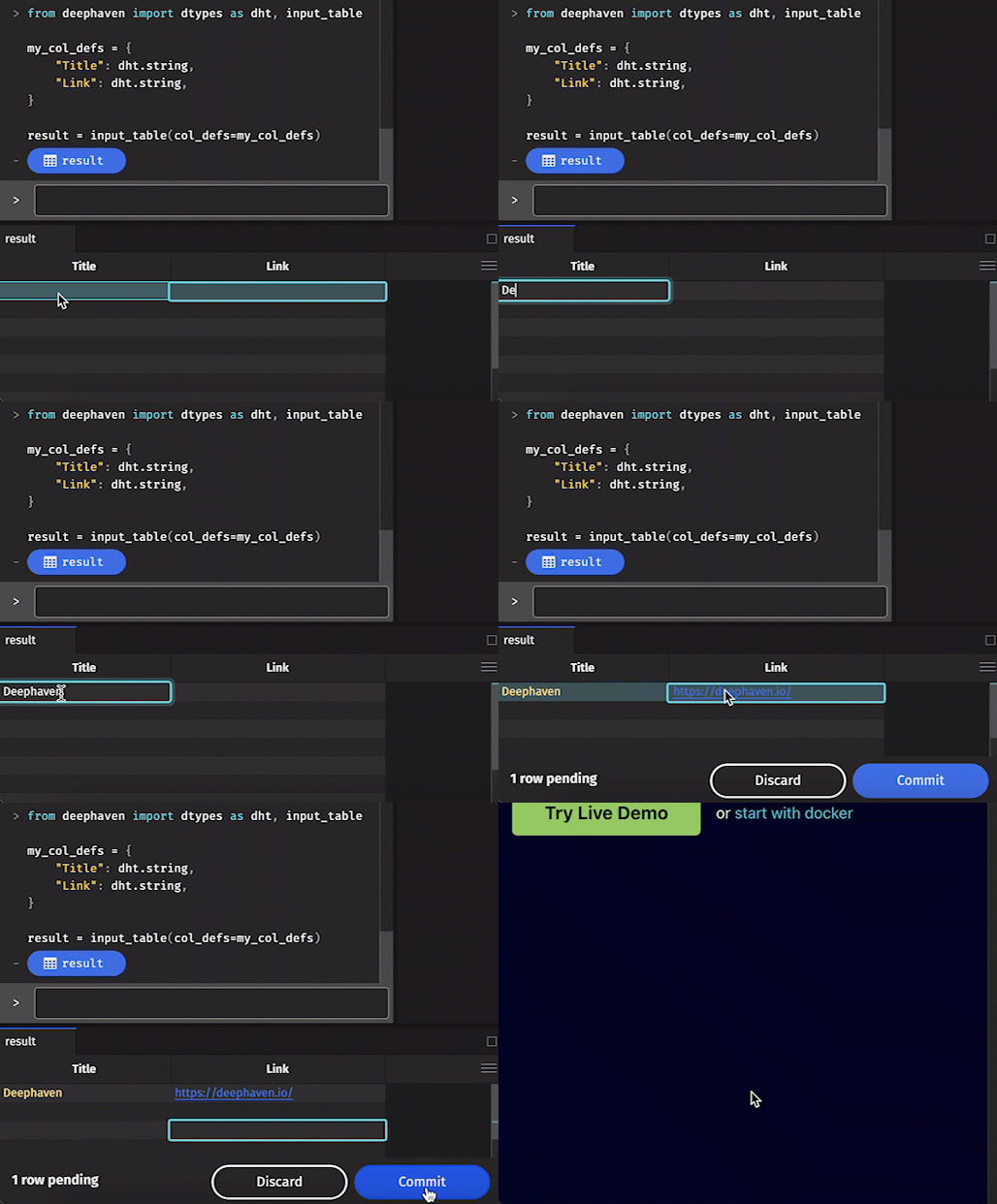
An input_table allows the user to type input directly into the table's cells. Just like with a standard Deephaven table, any string that is correctly formatted as a valid URL will appear as a clickable link.
Add links
A link acts like any input in the table. Simply type (or paste) a valid link into a cell. That's it! Click the Commit button that appears to finalize your changes.
Invalid input
Note that valid links must be complete. See the example below: