Real-time Plots
Whether your data is static or updating in real time, Deephaven supports plotting via multiple libraries, including its own built-in plotting API.
Basic plots
Note
Plotting with pip-installed Deephaven from Jupyter requires some additional setup you can read about here.
Deephaven's native plotting library supports many common plot types. To create a simple line plot that ticks in lock-step with the source table:
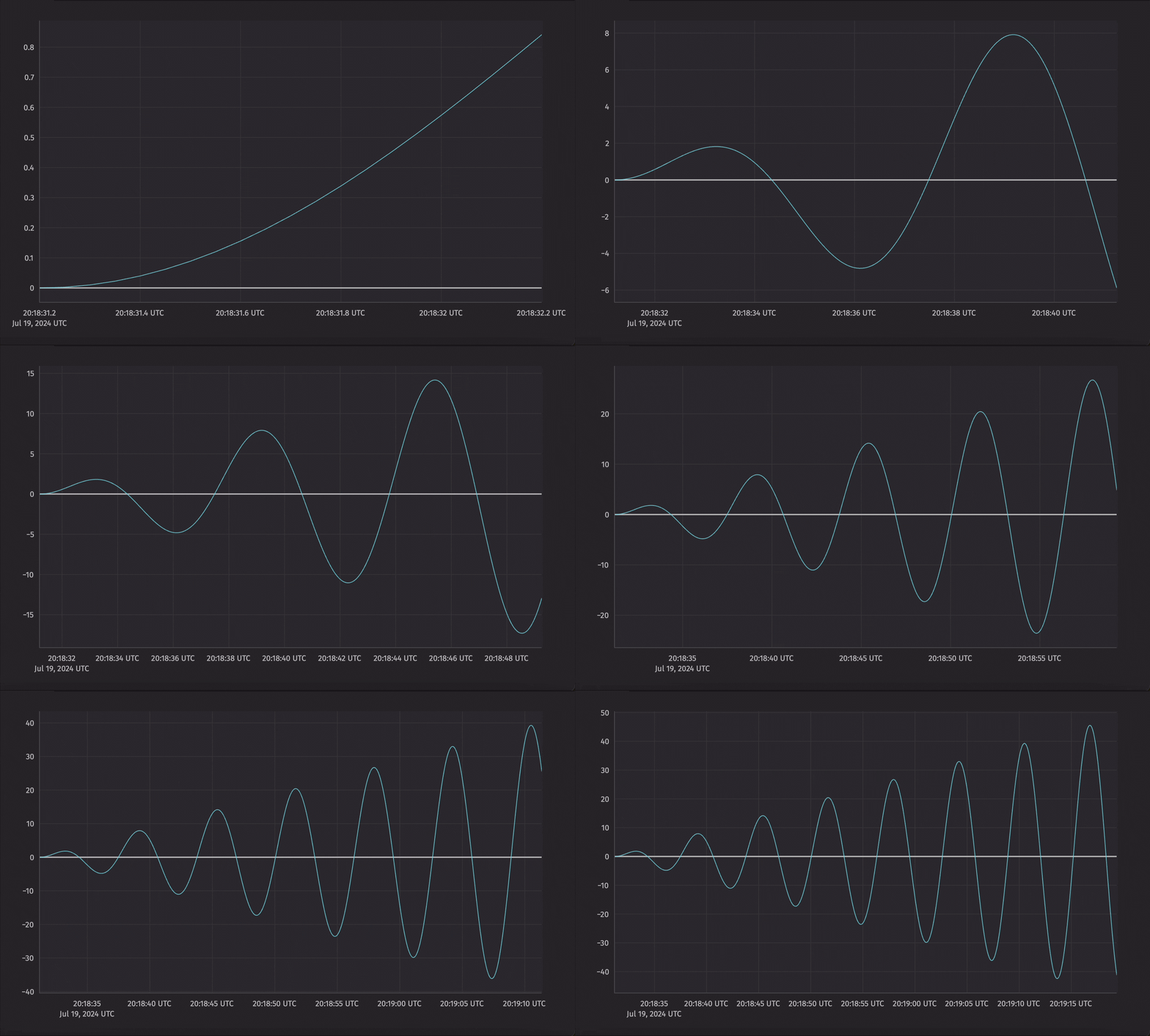
Multiple series can be plotted together in the same figure.
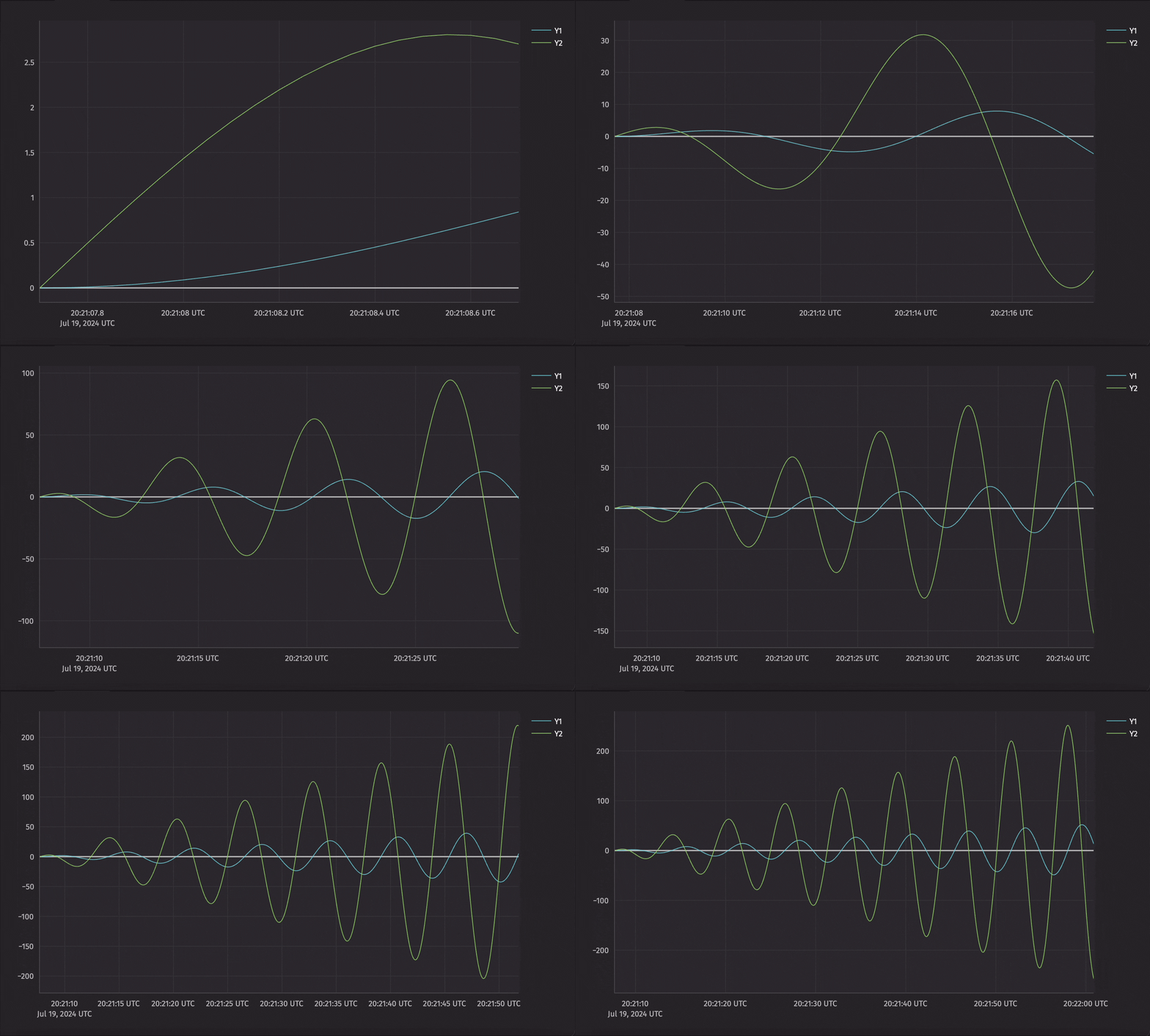
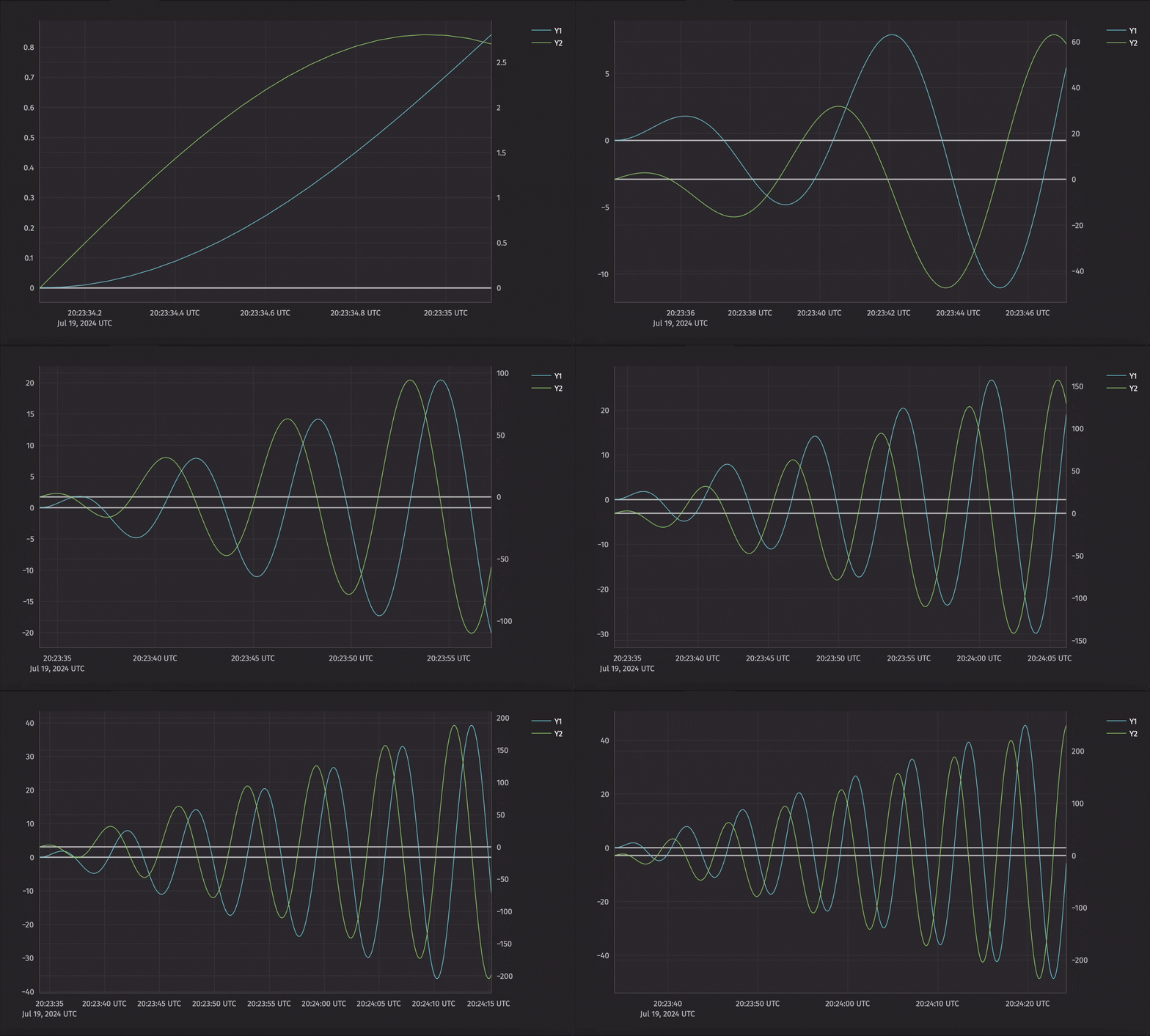
Plots with multiple axes
x_twin and y_twin allow you to create plots with multiple x or y axes. For example, you can use x_twin to create a plot with two different y axes but a shared x axis.
Subplots
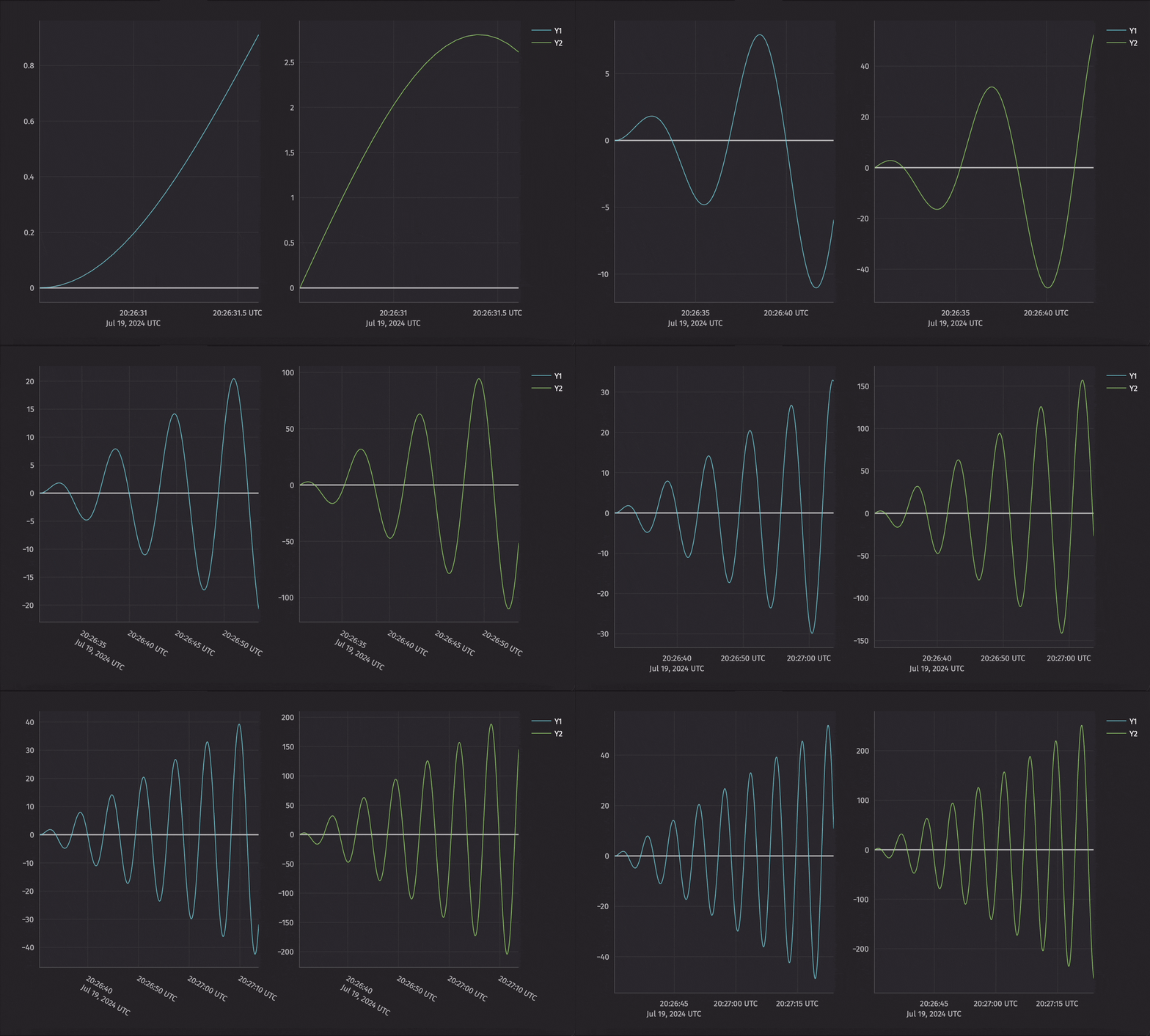
Figures can also contain more than just one plot. For instance, a single figure could contain two plots stacked on top of one another, side by side, four plots in a 2x2 grid, and so on. These subplots are arranged into a grid, and then placed into specific locations in the grid with new_chart.
The example below creates a figure with two subplots side-by-side.
Far more plots are available, including histograms, pie charts, scatter plots, and more. Deephaven also offers integrations with Plotly-express, Matplotlib, and Seaborn that are under active development.