Action Group
An action group is a UI component that groups multiple actions together.
Example
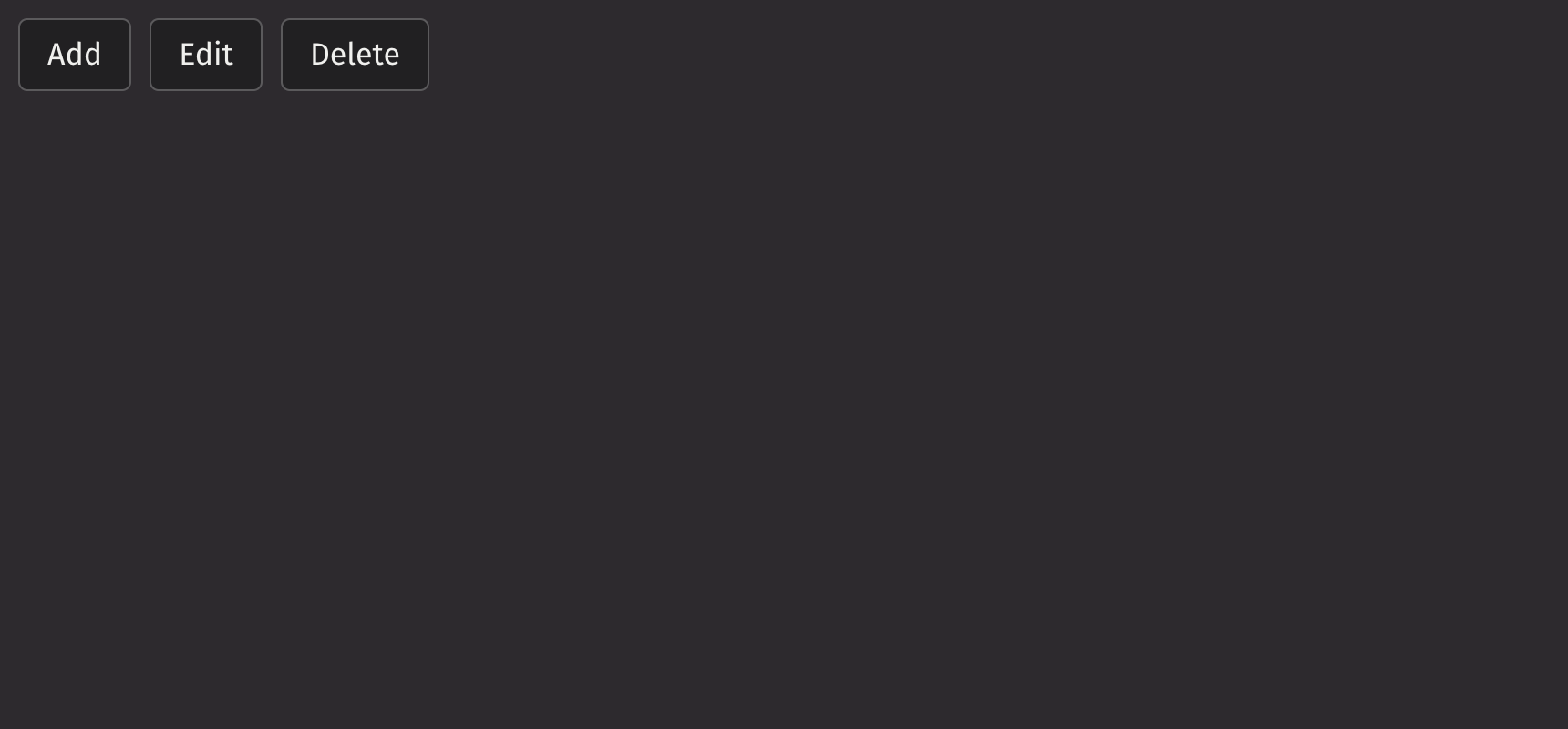
UI recommendations
Consider using a button_group to align multiple buttons that do not necessarily correspond to an action.
Icons
Icons can be added to action group items by wrapping the label in a ui.text element and adding a ui.icon as a sibling component.
The button_label_behavior prop can be set to “hide” label text within buttons and show it in a tooltip on hover.
Selection
Action groups support multiple selection modes, which are configurable via the selection_mode prop.
The default_selected_keys can be used for uncontrolled default selections.
The selected_keys prop can be used for controlled selections.
Events
The on_selection_change property is triggered whenever the value in the action group selection changes.
Collapsing Behavior
By default, the items of an action group wrap to a new line when space is limited. To keep them in a single line, set the overflow_mode prop to “collapse”, which collapses the items into a menu.
When selection is enabled, the action group collapses all items into a menu when space is limited, with a highlighted menu button indicating a selection.
Quiet State
The is_quiet prop makes action groups “quiet”. This can be useful when the action group and its corresponding styling should not distract users from surrounding content.
Emphasized
The is_emphasized prop makes the selected action item the user’s accent color, adding a visual prominence to the selection.
Static Color
The static_color prop can be used when the action group is placed over a color background.
Disabled State
Action groups can be disabled to prevent user interaction. This is useful when the group is not currently available, but the button should still be visible.
Orientation
While aligned horizontally by default, the axis with which the action items align can be changed via the orientation prop.
Density
The density prop can increase or reduce margins between action buttons. When the is_quiet prop is set to true, margin size is reduced.
Justified
The is_justified prop evenly divides all available horizontal space among the action items.
API Reference
An action grouping of action items that are related to each other.
Returns: Element The rendered action_group element.
| Parameters | Type | Default | Description |
|---|---|---|---|
| *children | Any | The children of the action group. | |
| is_emphasized | bool | None | None | Whether the action buttons should be displayed with emphasized style. |
| density | Literal['compact', 'regular'] | None | 'regular' | Sets the amount of space between buttons. |
| is_justified | bool | None | None | Whether the ActionButtons should be justified in their container. |
| is_quiet | bool | None | None | Whether ActionButtons should use the quiet style. |
| static_color | Literal['white', 'black'] | None | None | The static color style to apply. Useful when the ActionGroup appears over a color background. |
| overflow_mode | Literal['wrap', 'collapse'] | None | 'wrap' | The behavior of the ActionGroup when the buttons do not fit in the available space. |
| button_label_behavior | Literal['show', 'collapse', 'hide'] | None | 'show' | Defines when the text within the buttons should be hidden and only the icon should be shown. |
| summary_icon | Element | None | None | The icon displayed in the dropdown menu button when a selectable ActionGroup is collapsed. |
| orientation | Literal['horizontal', 'vertical'] | None | 'horizontal' | The axis the ActionGroup should align with. |
| disabled_keys | Iterable[str] | None | None | A list of keys to disable. |
| is_disabled | bool | None | None | Whether the ActionGroup is disabled. Shows that a selection exists, but is not available in that circumstance. |
| selection_mode | Literal['SINGLE', 'MULTIPLE'] | None | None | The type of selection that is allowed in the collection. |
| disallow_empty_selection | bool | None | None | Whether the collection allows empty selection. |
| selected_keys | Literal['all'] | Iterable[str] | None | None | The currently selected keys in the collection (controlled). |
| default_selected_keys | Literal['all'] | Iterable[str] | None | None | The initial selected keys in the collection (uncontrolled). |
| key | str | None | None | A unique identifier used by React to render elements in a list. |