Labeled Value
A labeled value displays a non-editable value with a label.
Example
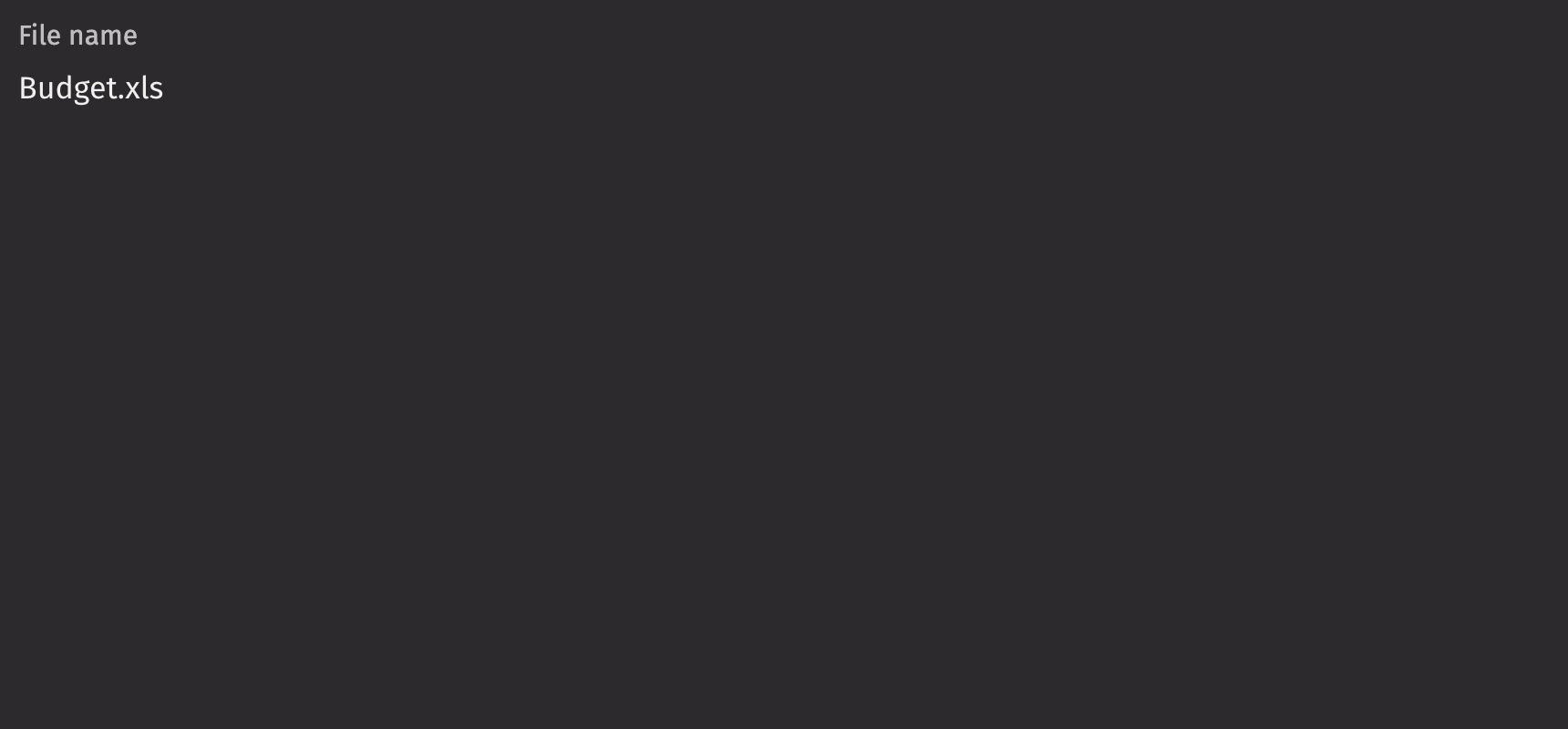
Value
A labeled value accepts numbers, dates, strings, and lists of strings in the value prop.
Numbers
When passing a number into a labeled value, the format_options prop dictates how the value is displayed. There are 3 styles supported by this parameter: Percentage, Currency, and Units.
Note that this prop is compatible with the options of Intl.NumberFormat.
An object with a start and end property can be passed to the value prop in order to format a numeric range.
Lists
When passing a list into a labeled value, the format_options prop dictates how the value is displayed.
Note that this prop is compatible with the options of Intl.ListFormat.
Dates and time
ui.labeled_value accepts the following date types as inputs:
NoneLocalDateZonedDateTimeInstantintstrdatetime.datetimenumpy.datetime64pandas.Timestamp
When passing a int or str into the value prop, format_options with a date_format parameter must be specified to indicate that it should be parsed as a date. See more about date formatting in the next section.
Formatting dates
By default, dates and times are formatted according to the DateTime format set in user settings. An empty string can be passed to when passing a str or int date value to indicate that the default formatting behavior should be used.
If more precision or another format is desired, datetime values can be formatted using the format_options property. To do so, pass an object with a date_format property string that follows the GWT Java DateTimeFormat syntax with additional support for nanoseconds. You may provide up to 9 S characters after the decimal to represent partial seconds down to nanoseconds. Below are examples of patterns that can be used to format dates.
Timezones
By default, dates and times are displayed in the timezone set in user settings. If the provided date is already timezone aware, such is the case with a ZonedDateTime, its timezone will be used. If a different timezone is desired, it can be overridden by passing an object to the format_options prop containing a timezone property corresponding to a timezone identification string. See the list of timezones supported by Deephaven.
Date ranges
An object with a start and end property can be passed to the value prop in order to display a date range. The same date types listed above in dates and times are also accepted for the start and end props. The formatting options are the same as for individual dates, and will be applied to both dates.
By default, both dates in the range will be displayed using the timezone set in user settings. If either of the provided date is already timezone aware, its timezone will be used. If both the dates passed in are timezone aware, the timezone of the start date will be used to display both dates. However, this can be overridden using the format_options.timezone prop to set the display timezone for both dates.
Label position
By default, the label is positioned above the labeled value, but it can be moved to the side using the label_position prop.
Contextual Help
Using the contextual_help prop, a ui.contextual_help can be placed next to the labeled value to provide additional information.
API reference
Labeled values displays non-editable values with a corresponding label
Returns: Element The rendered labeled value element.
| Parameters | Type | Default | Description |
|---|---|---|---|
| value | str | List[str] | float | NumberRange | DType | None | date | datetime | datetime64 | Timestamp | int | DateRange | None | The value to be displayed. |
| label | Element | None | None | The content of the label. |
| format_options | NumberFormatOptions | DateFormatOptions | ListFormatOptions | None | None | Formatting options for the value displayed in the number field. |
| label_position | Literal['top', 'side'] | None | 'top' | The label's overall position relative to the element it is labeling. |
| label_align | Literal['start', 'end'] | None | None | The label's horizontal alignment relative to the element it is labeling. |
| contextual_help | Any | None | None | A contextual help element to place next to the label. |