Picker
Pickers enable users to pick an option from a collapsible list of options, often used when the space is limited.
Example
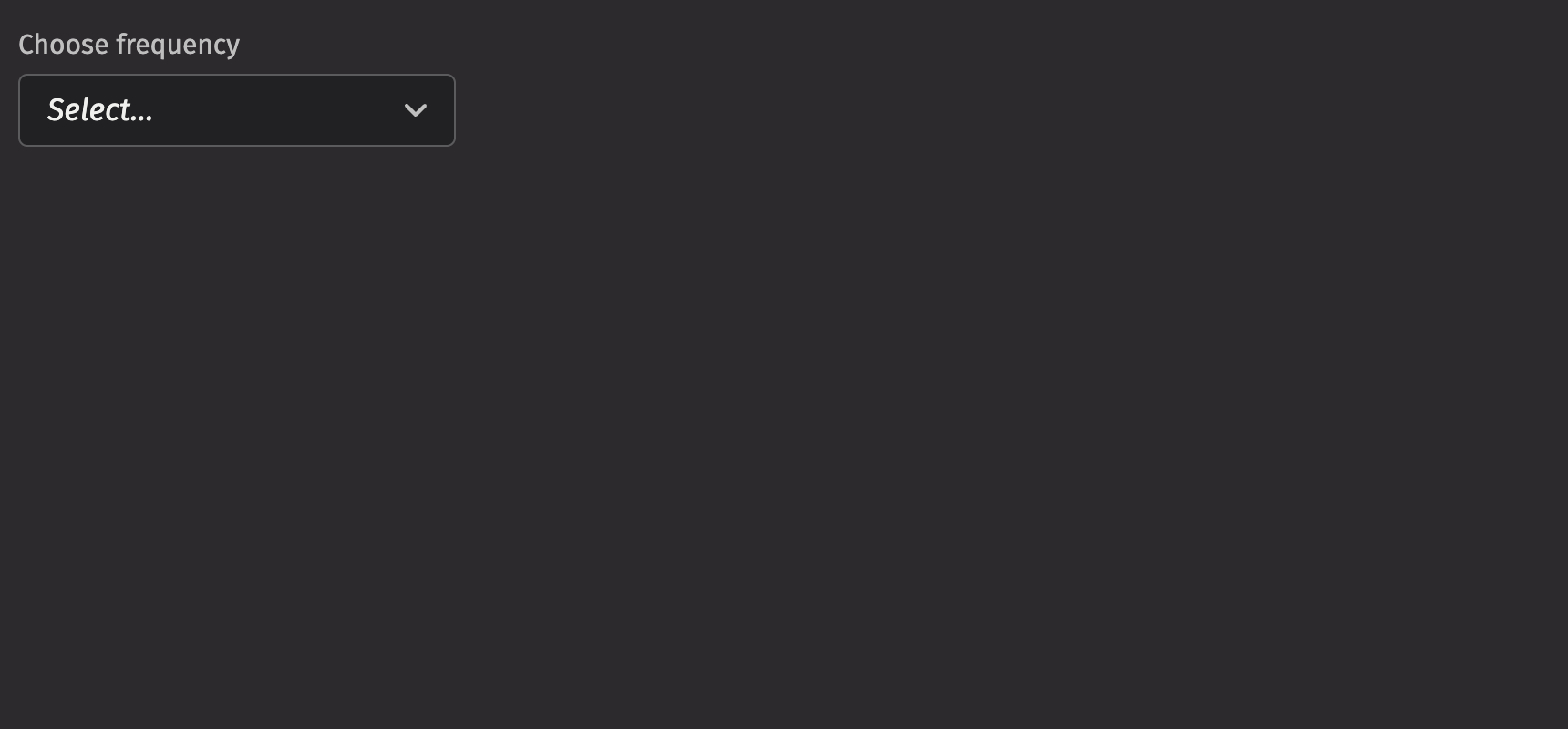
UI recommendations
Recommendations for creating pickers:
- Every picker should have a label specified. Without one, the picker is ambiguous. In the rare case that context is sufficient, the label is unnecessary; you must still include an aria-label via the
aria_labelprop. - Options in the picker should be kept short and concise; multiple lines are strongly discouraged.
- The picker’s width should be set so that the field button does not prevent options being displayed in full.
- The label, menu items, and placeholder text should all be in sentence case.
- A picker’s help text should provide actionable guidance on what to select and how to select it, offering additional context without repeating the label.
- When an error occurs, the help text specified in a picker should be replaced by error text.
- Write error messages in a concise and helpful manner, guiding users to resolve the issue. Error text should be 1-2 short, complete sentences ending with a period.
Data sources
We can use a Deephaven table as a data source to populate the options for pickers. A table automatically uses the first column as both the key and label. If there are duplicate keys, an error will be thrown; to avoid this, a select_distinct can be used on the table before using it as a picker data source.
If you wish to specify the keys and labels manually, you can use a ui.item_table_source to dynamically derive the options from a table.
Labeling
The picker can be labeled using the label prop. If no label is provided, an aria_label must be provided to identify the control for accessibility purposes.
The is_required prop and the necessity_indicator props can be used to show whether selecting an option in the picker is required or optional.
When the necessity_indicator prop is set to “label”, a localized string will be generated for “(required)” or “(optional)” automatically.
Selection
In a picker, the default_selected_key or selected_key props set a selected option.
Providing a value to the selected_key prop runs the component in “controlled” mode where the selection state is driven from the provided value. A value of None can be used to indicate nothing is selected while keeping the component in controlled mode. The default value is ui.types.Undefined, which causes the component to run in “uncontrolled” mode.
HTML Forms
Pickers can support a name prop for integration with HTML forms, allowing for easy identification of a value on form submission.
Sections
Picker supports sections that group options. Sections can be used by wrapping groups of items in a section element. Each section takes a title and key prop.
Events
The Picker component supports selection through mouse, keyboard, and touch inputs via the on_selection_change prop, which receives the selected key as an argument.
Complex items
Items within a picker can include additional content to better convey options. You can add icons, avatars, and descriptions to the children of an ui.item. When adding a description, set the slot prop to “description” to differentiate between the text elements.
Loading
The is_loading prop displays a progress circle indicating that the picker is loading or processing data, which can be used to give immediate visual feedback to users. It also prevents users from interacting with the picker while data is loading, avoiding potential bad states.
Validation
The is_required prop ensures that the user selects an option. The related validation_behaviour prop allows the user to specify aria or native verification.
When the prop is set to “native”, the validation errors block form submission and are displayed as help text automatically.
Label position
By default, the position of a picker’s label is above the picker, but it can be moved to the side using the label_position prop.
Quiet state
The is_quiet prop makes a picker “quiet”. This can be useful when the picker and its corresponding styling should not distract users from surrounding content.
Disabled state
The is_disabled prop disables a picker to prevent user interaction. This is useful when the picker should be visible but not available for selection.
Help text
A picker can have both a description and an error_message. Use the error message to offer specific guidance on how to correct the input.
The is_invalid prop can be used to set whether the current picker state is valid or invalid.
Contextual help
Using the contextual_help prop, a ui.contextual_help can be placed next to the label to provide additional information about the picker.
Custom width
The width prop adjusts the width of a picker, and the max_width prop enforces a maximum width.
Align and direction
The align prop sets the text alignment of the options in the picker, while the direction prop specifies which direction the menu will open.
It is important to note that the popover will not open in the set direction if there is not enough room to open in that direction.
Menu state
The open state of the picker menu can be controlled through the is_open and default_open props.
API Reference
A picker that can be used to select from a list. Children should be one of five types:
Returns: BaseElement The rendered Picker.
| Parameters | Type | Default | Description |
|---|---|---|---|
| *children | str | int | float | bool | BaseElement | Element | Table | PartitionedTable | ItemTableSource | The options to render within the picker. | |
| default_selected_key | str | int | float | bool | None | None | The initial selected key in the collection (uncontrolled). |
| selected_key | str | int | float | bool | None | UndefinedType | <deephaven.ui.types.types.UndefinedType object> | The currently selected key in the collection (controlled). |
| is_quiet | bool | None | None | Whether the TextField should be displayed with a quiet style. |
| align | Literal['start', 'end'] | 'start' | Alignment of the menu relative to the input target. |
| direction | Literal['bottom', 'top'] | 'bottom' | Direction in which the menu should open relative to the Picker. |
| should_flip | bool | True | Whether the menu should flip when it reaches the viewport boundaries. |
| menu_width | str | float | None | None | Width of the menu. By default, matches width of the trigger. Note that the minimum width of the dropdown is always equal to the trigger's width. |
| auto_focus | bool | None | None | Whether the input should be focused on render. |
| auto_complete | str | None | None | Describes the type of autocomplete functionality the input should provide if any. |
| name | str | None | None | Name of the input, used when submitting an HTML form. |
| is_open | bool | None | None | Sets the open state of the menu. |
| default_open | bool | None | None | Sets the default open state of the menu. |
| is_disabled | bool | None | None | Whether the Picker is disabled. |
| is_required | bool | None | None | Whether user input on the Picker is required before form submission. |
| is_invalid | bool | None | None | Whether the Picker is in an invalid state. |
| validation_behavior | Literal['aria', 'native'] | None | None | Whether to use native HTML form validation to prevent form submission when the value is missing or invalid, or mark the field as required or invalid via ARIA. |
| description | Element | None | None | A description for the field. Provides a hint such as specific requirements for what to choose. |
| error_message | Element | None | None | An error message for the field. |
| label | None | bool | int | str | Element | List[NodeType] | None | A label for the field. |
| placeholder | str | None | None | Placeholder text for the input. |
| is_loading | bool | None | None | Whether the Picker is in a loading state. |
| label_position | Literal['top', 'side'] | 'top' | The label's overall position relative to the element it is labeling. |
| label_align | Literal['start', 'end'] | None | None | The label's horizontal alignment relative to the element it is labeling. |
| necessity_indicator | Literal['icon', 'label'] | None | None | Whether the required state should be shown as an icon or text. |
| contextual_help | Element | None | None | A ContextualHelp element to place next to the label. |
| key | str | None | None | A unique identifier used by React to render elements in a list. |