Time field
Time fields allow users to input a time using a text field.
Example
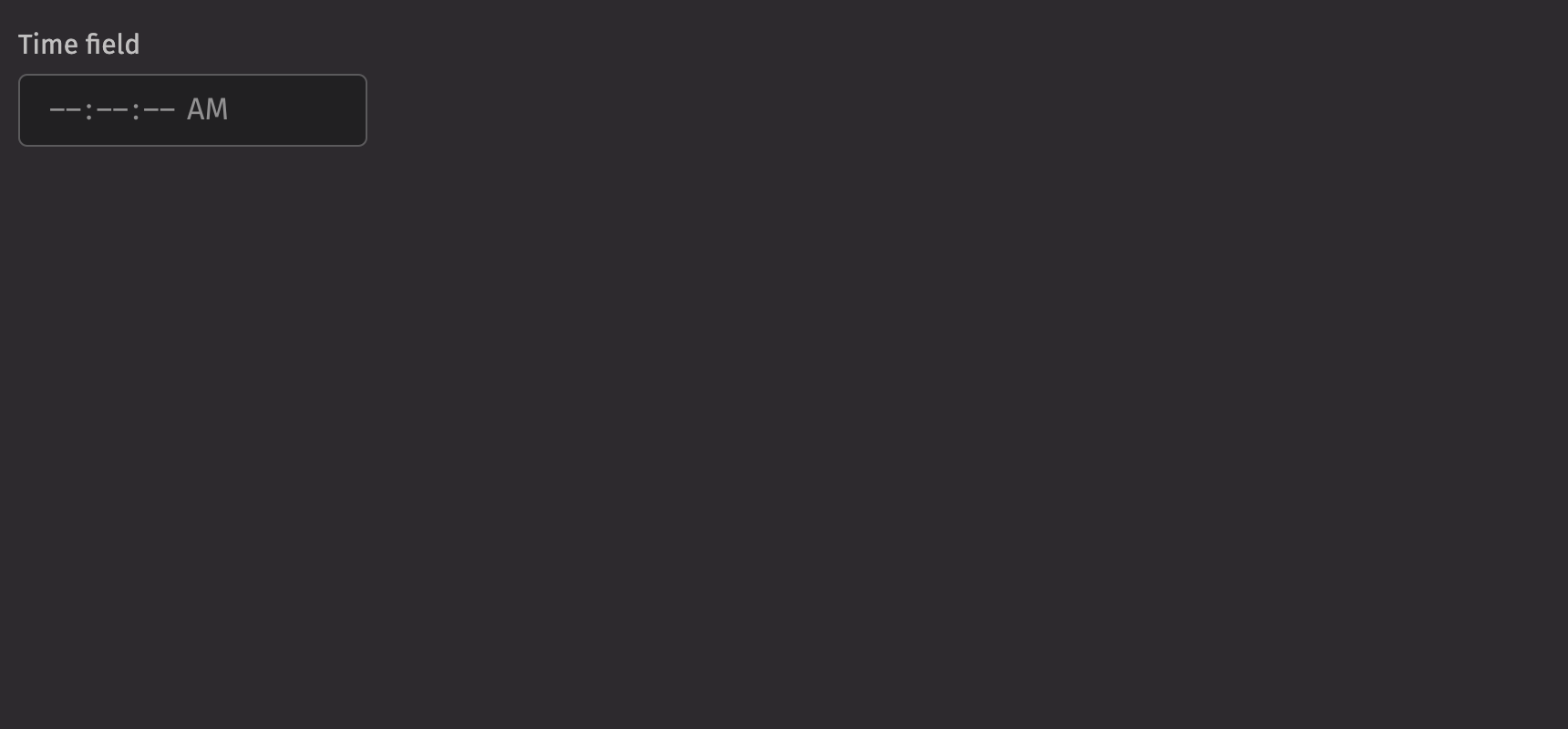
Time types
A time field can be used to input a time.
The time field accepts the following time types as inputs:
NoneLocaTimeZonedDateTimeInstantintstrdatetime.datetimenumpy.datetime64pandas.Timestamp
The input will be converted to one of three Java time types:
LocalTime: A LocalTime is a time without a time zone in the ISO-8601 system, such as “10:30:45” or “16:10:00”. This will create a time field with a granularity of seconds.Instant: An Instant represents an unambiguous specific point on the timeline, such as 2021-04-12T14:13:07 UTC. This will create a time field with a granularity of seconds in UTC. The time zone will be rendered as the time zone in user settings.ZonedDateTime: A ZonedDateTime represents an unambiguous specific point on the timeline with an associated time zone, such as 2021-04-12T14:13:07 America/New_York. This will create a time field with a granularity of seconds in the specified time zone. The time zone will be rendered as the specified time zone.- If the input is one of the three Java time types, use that type.
- A time string such as “10:30:45” will parse to a
LocaTime. - A string with a date, time, and timezone such as “2021-04-12T14:13:07 America/New_York” will parse to a
ZonedDateTime. - All other types will attempt to convert in this order:
LocaTime,Instant,ZonedDateTime.
The format of the time field and the type of the value passed to the on_change handler
is determined by the type of the following props in order of precedence:
valuedefault_valueplaceholder_value
If none of these are provided, the on_change handler passes a range of LocalTime.
Value
A time field displays a placeholder by default. An initial, uncontrolled value can be provided to the time field using the defaultValue prop. Alternatively, a controlled value can be provided using the value prop.
Time zones
Time field is time zone aware when ZonedTimeTime or Instant objects are provided as the value. In this case, the time zone abbreviation is displayed, and time zone concerns such as daylight saving time are taken into account when the value is manipulated.
In most cases, your data will come from and be sent to a server as an ISO 8601 formatted string.
- For
ZonedTimeTimeobjects, the time field displays the specified time zone. - For
Instantobjects, the time field displays the time zone from the user settings.
Granularity
The granularity prop allows you to control the smallest unit displayed by a time field. By default, values are displayed with “SECOND” granularity.
In addition, when a value with a time is provided but you wish to display only the time, you can set the granularity to “DAY”. This has no effect on the actual value (it still has a time component), only on what fields are displayed. In the following example, two time fields are synchronized with the same value but display different granularities.
HTML forms
The time field supports the name prop for integration with HTML forms. The value will be submitted to the server as an ISO 8601 formatted string, e.g., “08:45:00.”
Labeling
A visual label should be provided for the time field using the label prop. If the time field is required, the is_required and necessity_indicator props can be used to show a required state.
Events
Time fields support selection through mouse, keyboard, and touch inputs via the on_change prop, which receives the value as an argument.
Validation
The is_required prop ensures that the user selects a time field. The related validation_behaviour prop allows the user to specify aria or native verification.
When the prop is set to “native”, the validation errors block form submission and are displayed as help text automatically.
Minimum and maximum values
The min_value and max_value props can also be used to ensure the value is within a specific field. Time field also validates that the end time is after the start time.
Label position
By default, the position of a time field’s label is above the time field, but it can be moved to the side using the label_position prop.
Quiet state
The is_quiet prop makes a time field “quiet”. This can be useful when its corresponding styling should not distract users from surrounding content.
Disabled state
The is_disabled prop disables the time field to prevent user interaction. This is useful when the time field should be visible but not available for selection.
Read only
The is_read_only prop makes the time field’s value immutable. The time field remains focusable, unlike when is_disabled is used.
Help text
A time field can have both a description and an error_message. Use the error message to offer specific guidance on how to correct the input.
The validation_state prop can be used to set whether the current time field state is valid or invalid.
Contextual help
Using the contextual_help prop, a ui.contextual_help can be placed next to the label to provide additional information about the time field.
Custom width
The width prop adjusts the width of a time field, and the max_width prop enforces a maximum width.
Hide time zone
The time zone can be hidden using the hide_time_zone option.
Hour cycle
By default, time field displays times in either a 12 or 24 hour format depending on the user’s locale. However, this can be overridden using the hour_cycle prop.
Time table filtering
Time fields can be used to filter tables with time columns.
API Reference
A time field allows the user to select a time.
Returns: Element The time field element.
| Parameters | Type | Default | Description |
|---|---|---|---|
| placeholder_value | DType | None | int | str | time | datetime | datetime64 | Timestamp | None | A placeholder time that influences the format of the placeholder shown when no value is selected. Defaults to 12:00 AM or 00:00 depending on the hour cycle. |
| value | DType | None | int | str | time | datetime | datetime64 | Timestamp | UndefinedType | <deephaven.ui.types.types.UndefinedType object> | The current value (controlled). |
| default_value | DType | None | int | str | time | datetime | datetime64 | Timestamp | UndefinedType | <deephaven.ui.types.types.UndefinedType object> | The default value (uncontrolled). |
| min_value | DType | None | int | str | time | datetime | datetime64 | Timestamp | None | The minimum allowed time that a user may select. |
| max_value | DType | None | int | str | time | datetime | datetime64 | Timestamp | None | The maximum allowed time that a user may select. |
| granularity | Literal['HOUR', 'MINUTE', 'SECOND'] | None | 'SECOND' | Determines the smallest unit that is displayed in the time field. By default, this is "SECOND". |
| hour_cycle | Literal[12, 24] | None | None | Whether to display the time in 12 or 24 hour format. By default, this is determined by the user's locale. |
| hide_time_zone | bool | False | Whether to hide the time zone abbreviation. |
| should_force_leading_zeros | bool | None | None | Whether to force leading zeros in the time field. |
| is_disabled | bool | None | None | Whether the input is disabled. |
| is_read_only | bool | None | None | Whether the input can be selected but not changed by the user. |
| is_required | bool | None | None | Whether user input is required on the input before form submission. |
| validation_behavior | Literal['aria', 'native'] | None | None | Whether to use native HTML form validation to prevent form submission when the value is missing or invalid, or mark the field as required or invalid via ARIA. |
| auto_focus | bool | None | None | Whether the element should receive focus on render. |
| label | None | bool | int | str | Element | List[NodeType] | None | The content to display as the label. |
| description | Element | None | None | A description for the field. Provides a hint such as specific requirements for what to choose. |
| error_message | Element | None | None | An error message for the field. |
| name | str | None | None | The name of the input element, used when submitting an HTML form. |
| is_quiet | bool | None | None | Whether the time field should be displayed with a quiet style. |
| label_position | Literal['top', 'side'] | None | None | The label's overall position relative to the element it is labeling. |
| label_align | Literal['start', 'end'] | None | None | The label's horizontal alignment relative to the element it is labeling. |
| necessity_indicator | Literal['icon', 'label'] | None | None | Whether the required state should be shown as an icon or text. |
| contextual_help | Element | None | None | A ContextualHelp element to place next to the label. |
| validation_state | Literal['valid', 'invalid'] | None | None | Whether the input should display its "valid" or "invalid" visual styling. |
| key | str | None | None | A unique identifier used by React to render elements in a list. |