Which version am I running?
Enterprise
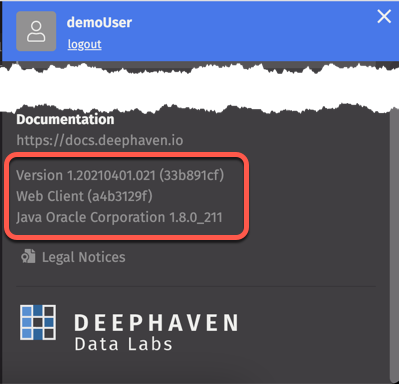
To determine which version of Deephaven Enterprise you are running from the web UI, refer to the bottom of the Settings menu:
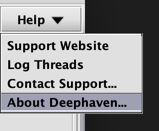
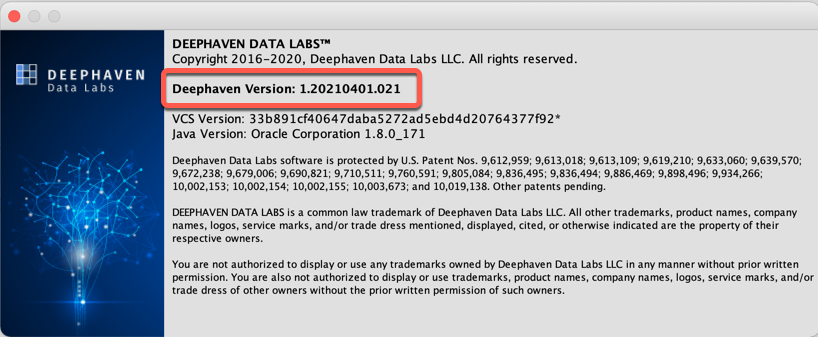
To determine which version of Deephaven Enterprise you are running from the Classic UI, open the Help menu and select About Deephaven:
Core+ Version
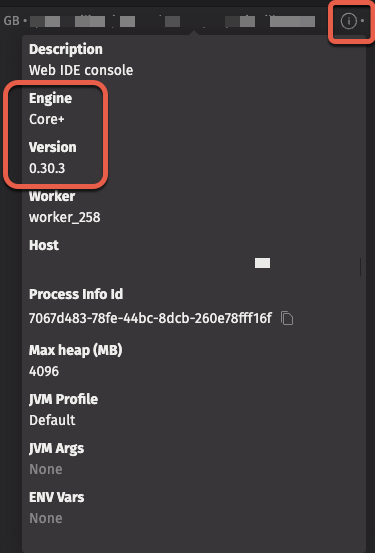
To determine which version of the Core+ engine a Code Studio is running, hover over the "i" information button:
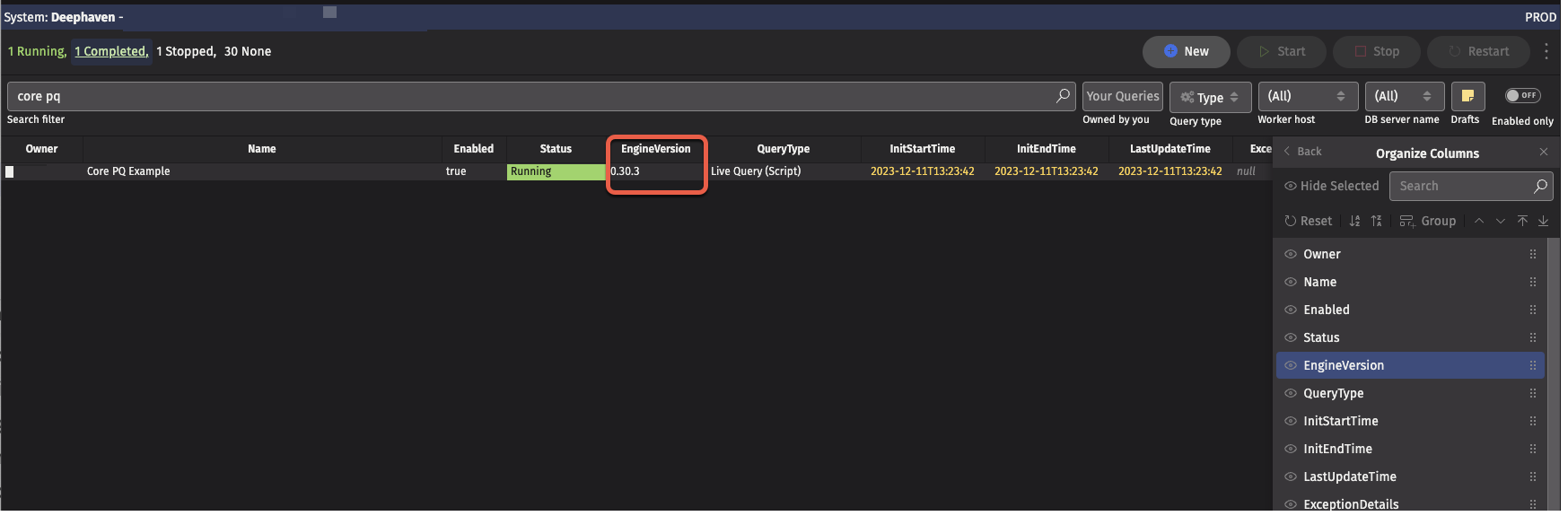
To determine which version of the Core+ engine a Persistent Query is running, view the "EngineVersion" column of the Query Panel.
Core+ Python Client
The following script identifies the version of the Python client you are running:
Producing output like:
Core+ Worker
Producing output like:
Or for Groovy:
Legacy Worker
The following script identifies the version of the Deephaven you are running in a Legacy worker:
Producing output like:
Or for Python: