Work with Tables
The Deephaven table is the key abstraction that unites static and real-time data for a seamless, integrated experience. Combining tables with deephaven.ui components allows you to create your own powerful, data centered workflows.
For more information, see Working with Deephaven Tables.
Display a table in a component
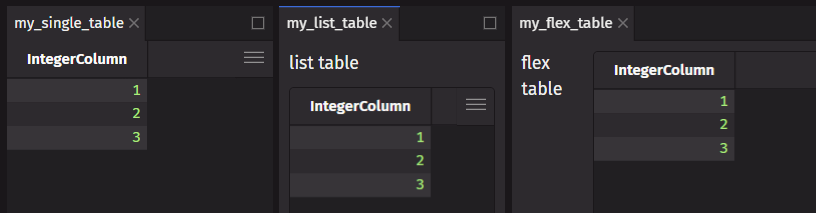
You can display a Deephaven table in a component by doing one of the following:
- return a table directly from a component
- return a table as part of a
listortuple - add a table to a container such as a
flexorpanel - use ui.table
Use ui.table
ui.table is a wrapper for Deephaven tables that allows you to change how the table is displayed in the UI and how to handle user events. Here is an example of adding custom color formatting.
Memoize table operations
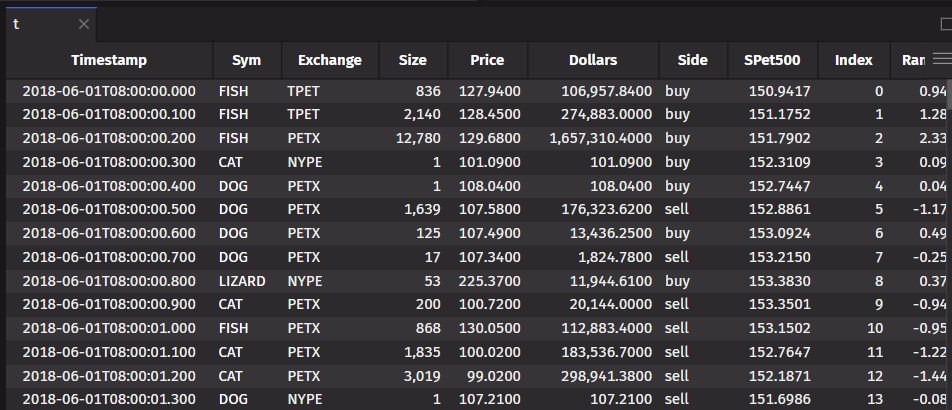
If you are working with a table, memoize the table operation. This stores the result in a memoized value and prevents the table from being re-computed on every render. This can be done with the use_memo hook.
Hooks for tables
The use_table_data hook lets you use a table’s data. This is useful when you want to listen to an updating table and use the data in your component.
The use_cell_data hook lets you use the cell data of the first cell (first row in the first column) in a table. This is useful when you want to listen to an updating table and use the data in your component.