Deephaven VS Code - Installation
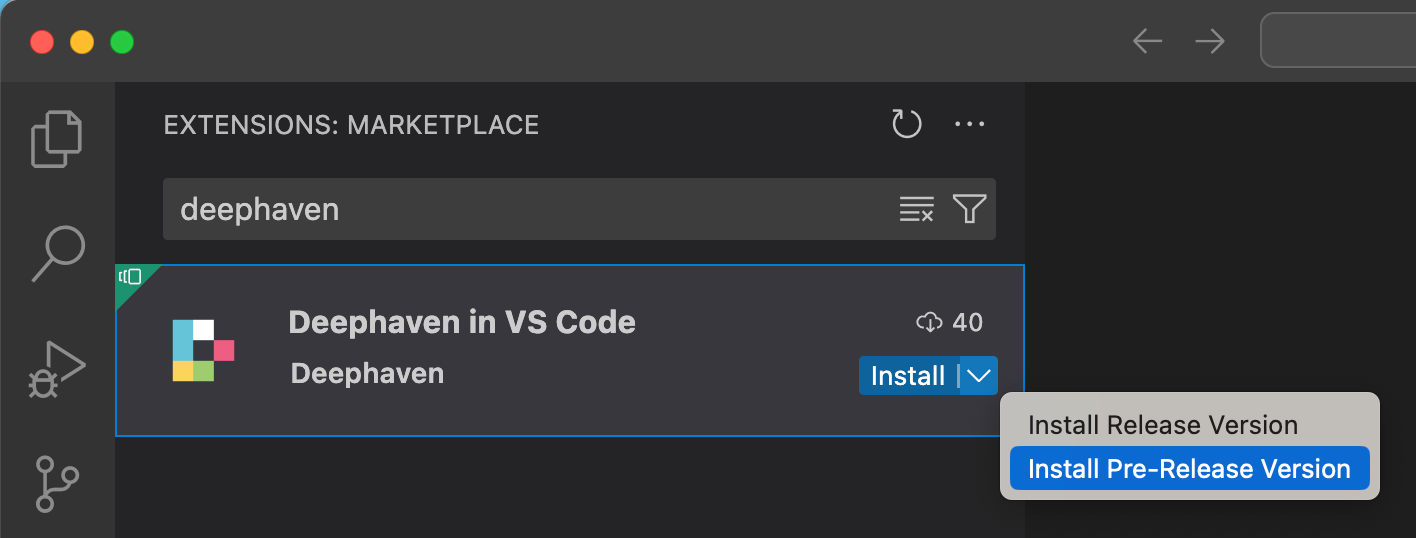
Install the Deephaven VS Code extension from one of two places:
- The VS Code Marketplace
- VS Code's built-in extension browser
A search for Deephaven in either place will yield the Deephaven VS Code extension as the first result.
Managed pip Servers require Microsoft's Python Environments extension. If it isn't already installed, installing the Deephaven extension installs it too.
Once installed, the Deephaven icon will show up in the activity bar on the left side of VS Code:
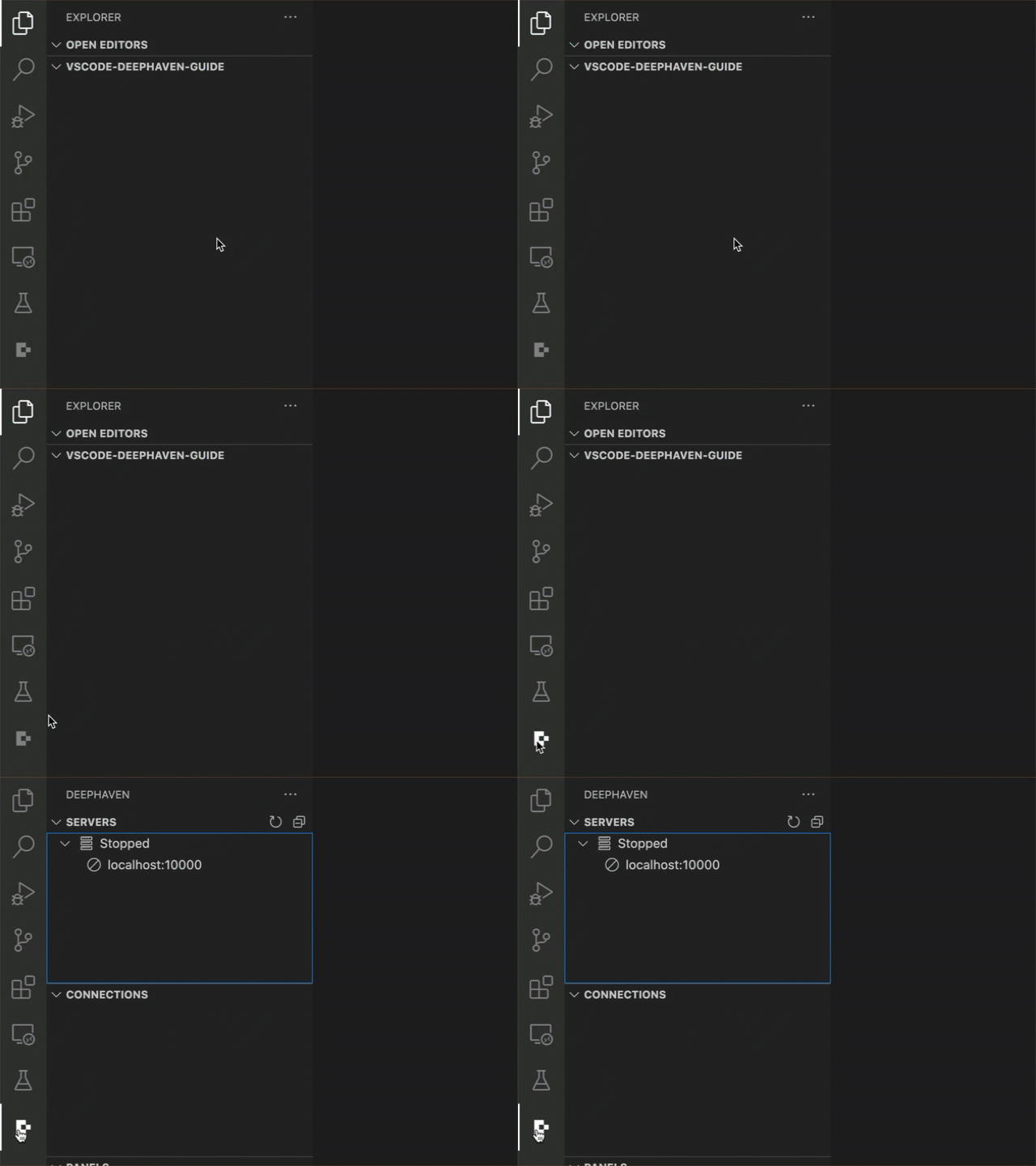
By default, the extension is only configured to connect to a single Community server hosted at http://localhost:10000. See more about adding, removing, and updating servers in the Configuration section below.