AI-powered baseball analytics: Natural language queries on Statcast data
Query pitch-level data with plain English using Deephaven MCP
April 1 2026

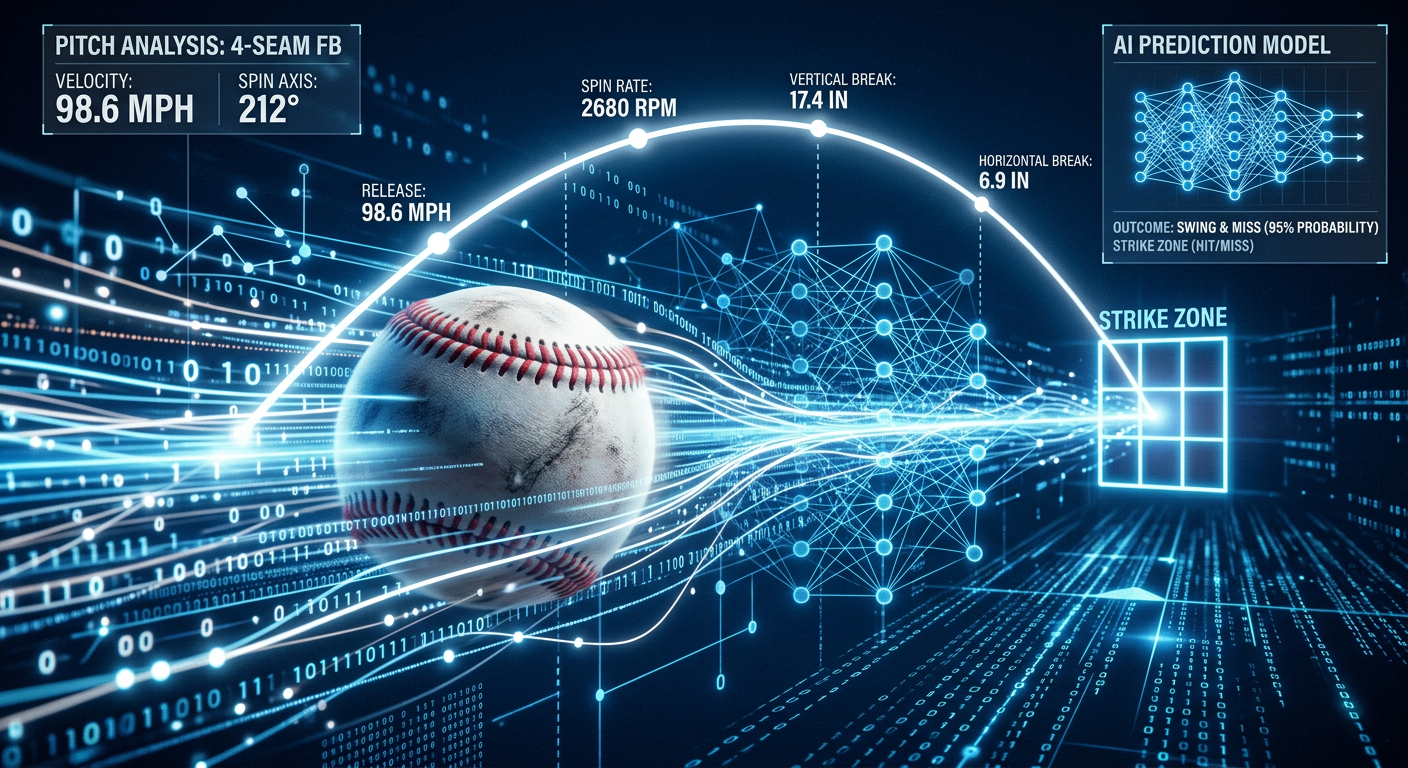
Opening Day is here, and you've got questions. Who's throwing gas in the AL East? Which hitters can't catch up to high sliders? Is Ohtani's exit velocity holding up?
You could write queries, join tables, aggregate data... or you could just ask.
With Deephaven's MCP integration, you connect an AI agent directly to your baseball data. Load Statcast pitch-level data, point Claude at it, and start asking questions in plain English. The agent writes the queries, executes them, and returns insights — while you focus on what the numbers mean.
"Who throws the fastest fastball in the AL East?" — That's the query. The AI handles the rest.
What we're building
By the end of this post, you'll have:
- Statcast data in Deephaven — pitch-level data from Pybaseball, structured for analysis.
- MCP connection — Claude (or another AI agent) connected to your Deephaven session.
- Natural language queries — ask questions, get answers, no query language required.
The result is an analytics setup where exploring baseball data feels like having a conversation with someone who's already done all the data wrangling.
Loading Statcast data
pybaseball is the Python library for MLB data. It wraps Statcast, FanGraphs, and Baseball Reference into clean DataFrames. We'll use it to pull pitch-level data and load it into Deephaven.
First, install pybaseball. If you're running Deephaven in Docker (the default quickstart), install it inside the container:
Or if you're running Deephaven locally:
Now let's load some data. This pulls every pitch from the first week of the 2026 season:
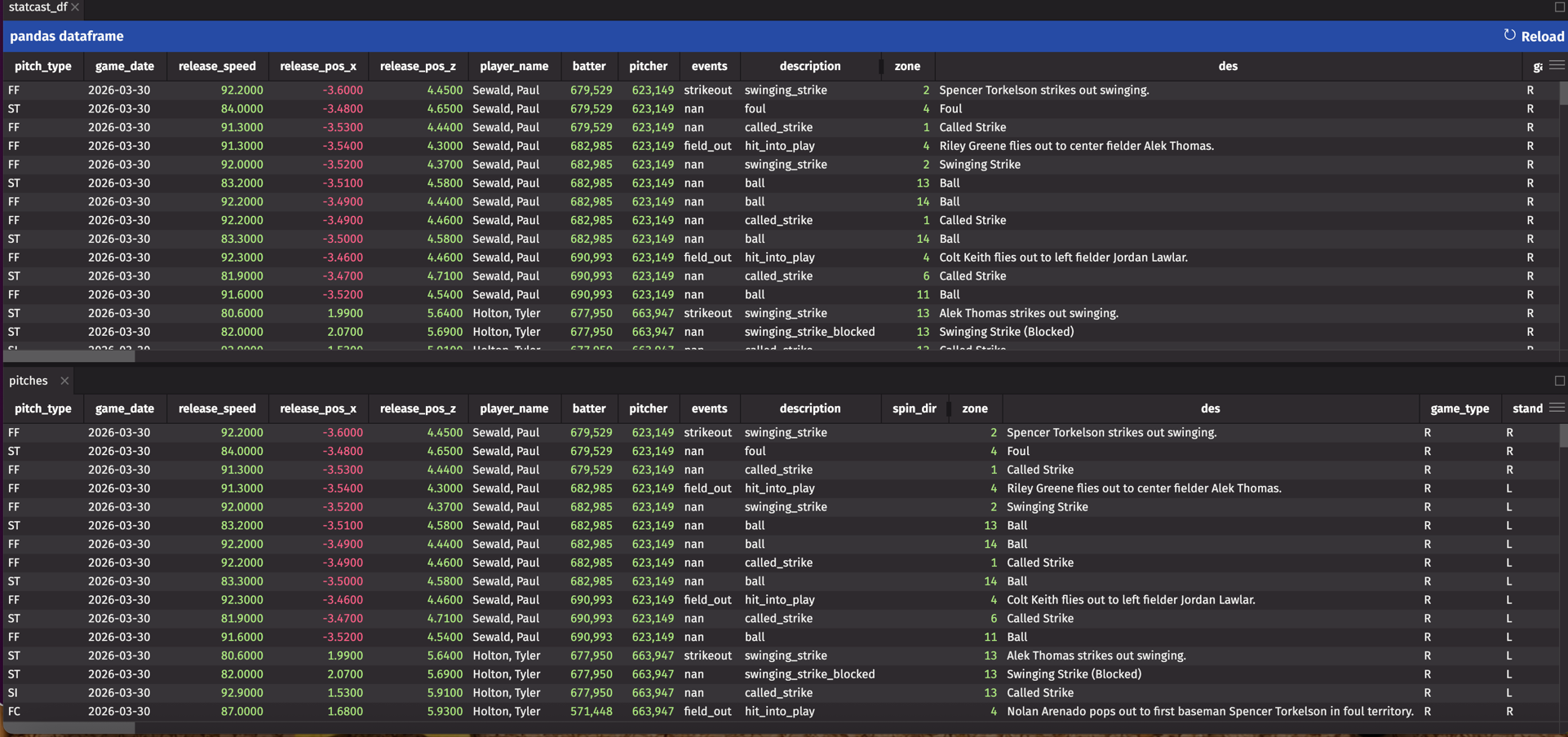
That's it! pitches is now a ticking-ready Deephaven table with 90+ columns of pitch-level data: velocity, spin rate, launch angle, exit velocity, pitch location, game state, and more.
Key columns for analysis
Statcast data is dense — 90+ columns per pitch. Create a focused view with the columns you'll use most:
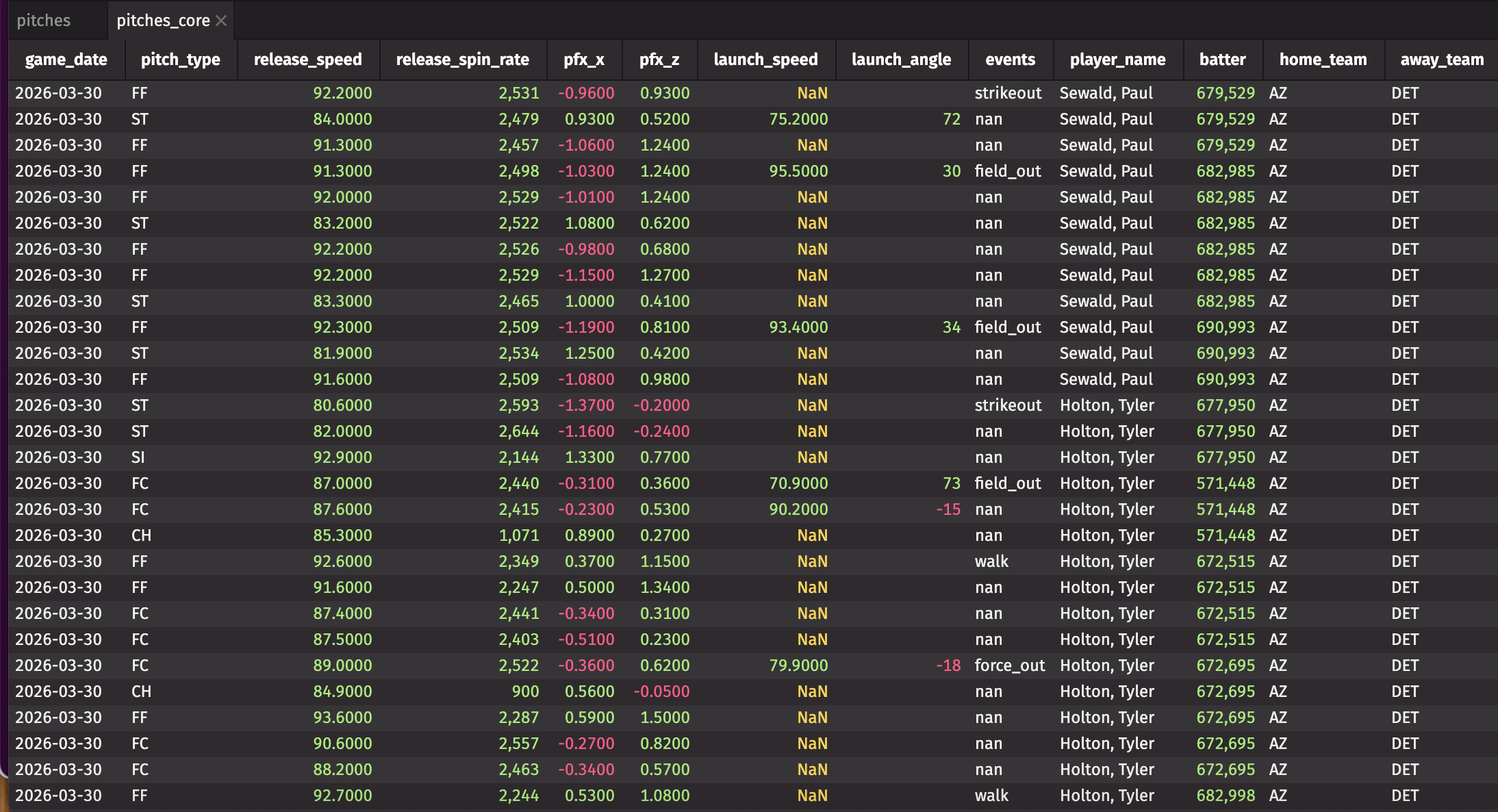
view creates a lightweight reference without copying data — perfect for exploration.
Structuring for joins
To answer questions like "Which AL East pitchers throw the hardest?", you need team and division data. Let's add a reference table:
Teams reference table
Now your AI agent can answer division-specific questions without you having to specify join logic every time.
Interactive filtering with dropdown filters
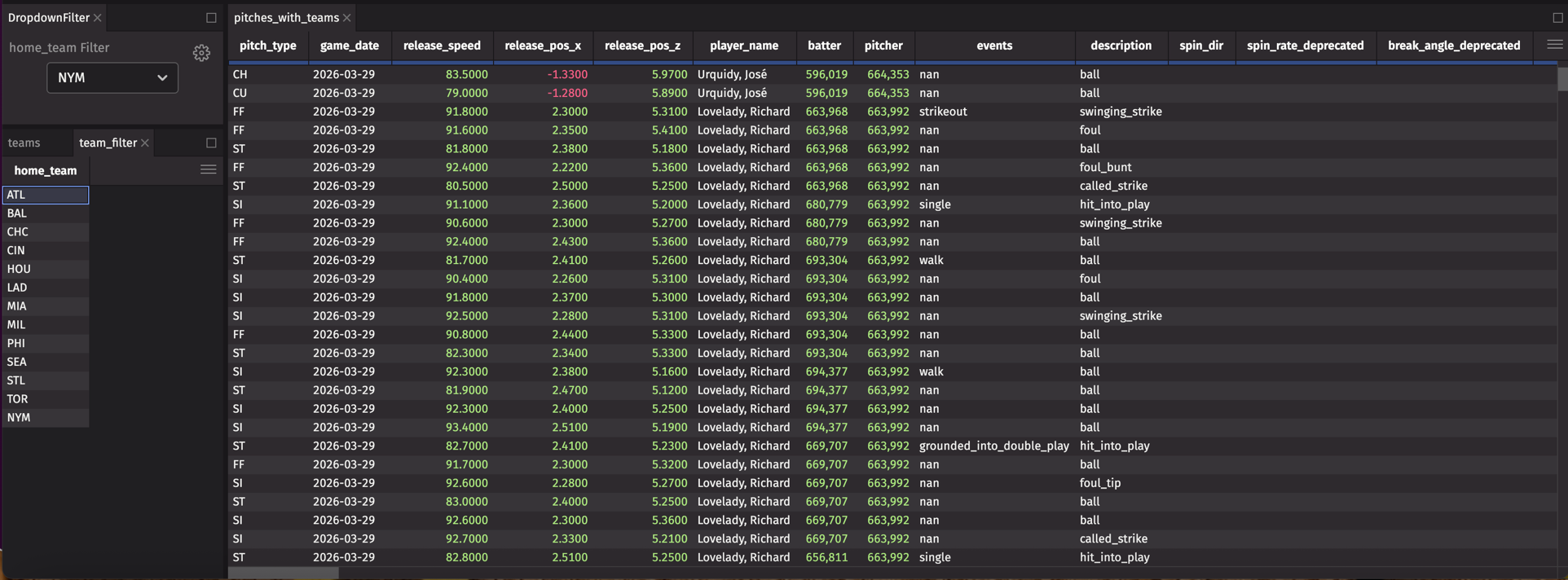
Want to filter all your tables to one team without writing queries? Create a dropdown filter source with distinct values:
Then open Controls > Dropdown Filter and configure:
- Source column:
home_team(fromteam_filter— provides the dropdown options) - Filter column:
home_team(the column name to filter across your tables)
Select "NYM" from the dropdown and every table with a home_team column filters to the Mets instantly.
Connecting MCP
With data loaded, let's connect an AI agent. If you haven't set up Deephaven MCP yet, follow the MCP setup guide. The short version:
Configure your AI tool (Claude Desktop, Cursor, or Windsurf) with the MCP server:
Point the config at your running Deephaven session, and you're ready to query.
Natural language queries in action
Here's where it gets fun. With the MCP connection active, you can ask questions like you'd ask a colleague who happens to have perfect recall of every pitch thrown this season.
Note
The example conversations below are illustrative — they show what the interaction looks like, not actual query results. Your results will reflect real Statcast data at the time you run the queries.
"Who throws the fastest fastball in the AL East?"
The agent understood "fastest fastball" means max release_speed where pitch_type is 'FF', and "AL East" maps to a division filter. You didn't write any of that.
"Show me pitchers whose spin rate dropped in the last month."
This is a multi-step analytical query — time windows, aggregations, percentage calculations — expressed as a single sentence.
"Which hitters struggle against high sliders?"
"Compare Ohtani's exit velocity this year vs last year."
The agent writes queries you'd spend 10 minutes constructing — and explains what the numbers mean.
From historical analysis to real-time insight
Analyzing historical data is powerful, but Deephaven is built for real-time. While the free Statcast API we're using has a 24-hour delay, the pattern for handling a true, low-latency feed (like a premium MLB subscription or your own internal data stream) is the same.
This is where Deephaven's function_generated_table shines. It turns any Python function into a ticking, updating table.
Let's set up two tables:
yesterday_pitches: A static table for reliable analysis of the most recently completed games.live_pitches: A ticking table that polls for today's data. With a real-time feed, this table would update pitch-by-pitch.
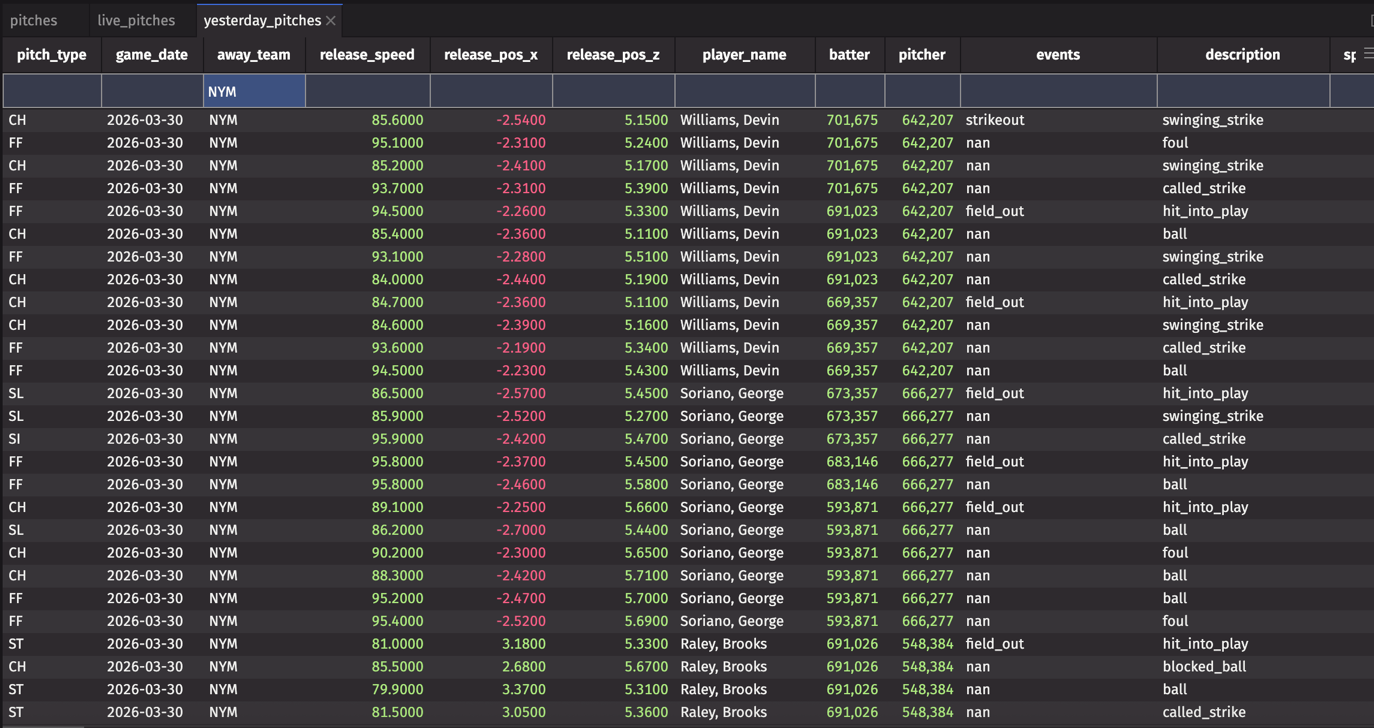
Note: The free Statcast API typically has a 24-48 hour delay. For real-time data during live games, you'd need MLB's premium data feeds.
Now, any query or dashboard built on live_pitches updates automatically. If this were a premium feed, your AI agent could ask, "What was Ohtani's exit velocity in his last at-bat?" and get an answer that reflects what happened just minutes ago. This is the power of a unified platform: the same tools for historical research and live analysis.
Why this matters
Baseball analytics has traditionally required:
- Knowing where the data lives.
- Understanding the schema.
- Writing correct queries.
- Interpreting results.
With MCP, steps 2-3 largely disappear. The AI understands the schema, writes syntactically correct queries, and can even help interpret results.
This doesn't replace expertise — you still need to know what questions matter. But it removes friction between having a question and getting an answer. That's the difference between exploring one hypothesis and exploring ten.
Get started
Ready to build your own AI-powered baseball analytics setup?
- Install Deephaven — free and takes 5 minutes.
- Set up MCP — connect your AI agent.
- Load Statcast data — use the code above as a starting point.
- Start asking questions — the data's waiting.
If you can get it into a table, you can query it with natural language.
The same pattern works for any sport with available data — NBA shot tracking, NFL play-by-play, soccer event data.
Questions or want to share your baseball analytics setup? Join us on Slack.