AI/ML workflows
This guide explores some different AI/ML workflows in Deephaven. For training, it discusses using a table iterator. For testing and application, it covers using table operations, as well as a combination of a table listener and table publisher. The workflows presented can be applied to any kind of table, including tables that are not append-only. The alternative to these workflows, deephaven.learn, only works on append-only tables.
Train a model
Table iterator
Training data in AI/ML applications is almost always historical and thus inherently static. Training a model on historical data can be done with a table iterator. Four table iterators can be used:
Model training is typically done on batch data, so either chunked iterator is usually the best choice. The choice between the dict-based or tuple-based iterators is a matter of personal preference.
Consider the following code, which trains a simple linear regression model on a table of noisy static data:
Real-time inference
Table operations
One way to apply a model to a table in real time is to use one of the following table operations:
These operations create new columns from existing columns and thus can be used to create a new column using a model. Carefully consider which method to use, as they have different performance tradeoffs. For more information, see choose the right selection method.
The following code block uses update to immediately perform calculations and store the results in memory.
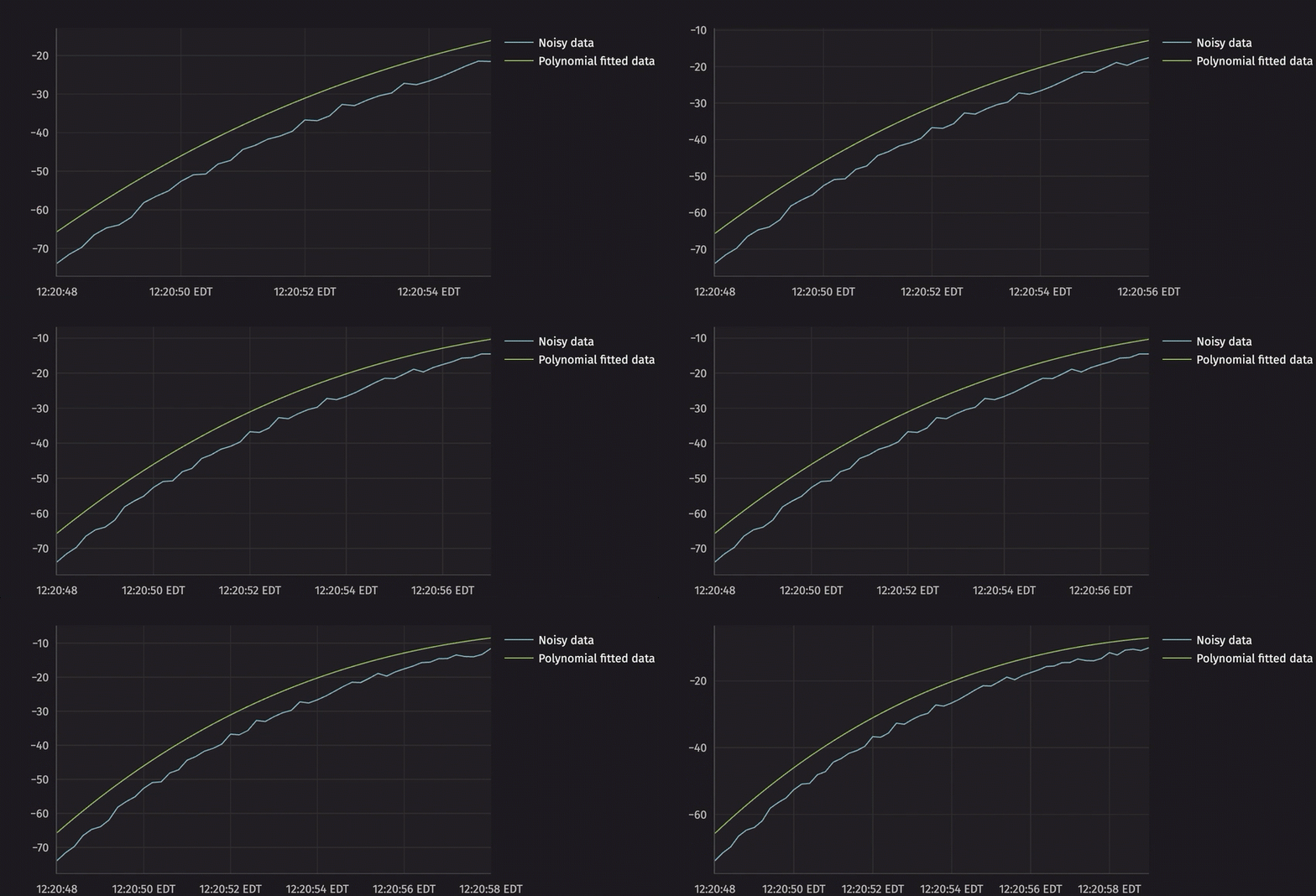
Table listener and publisher
A combination of a table listener and table publisher can also evaluate AI/ML models in real time. The listener can listen to added, modified, and/or removed rows during each update cycle. Those rows can then be passed to the model, and the results can be published to a new table via the publisher.
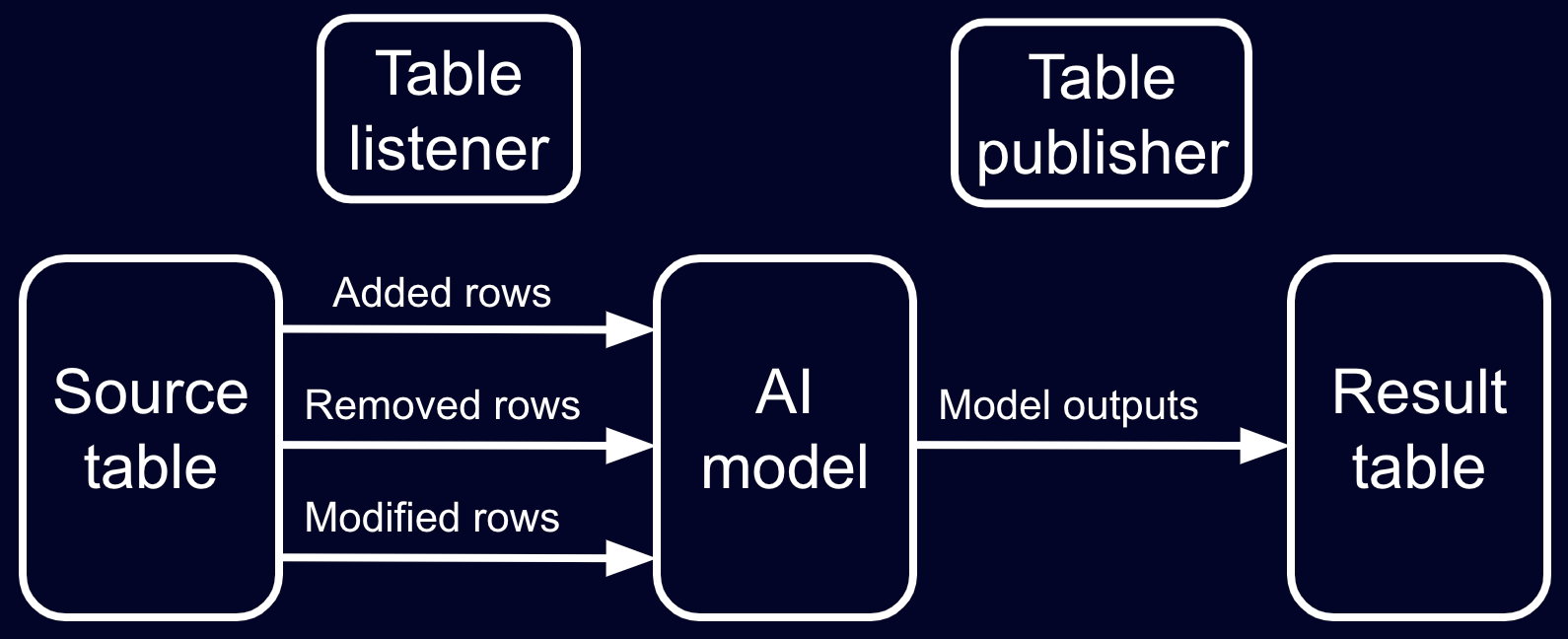
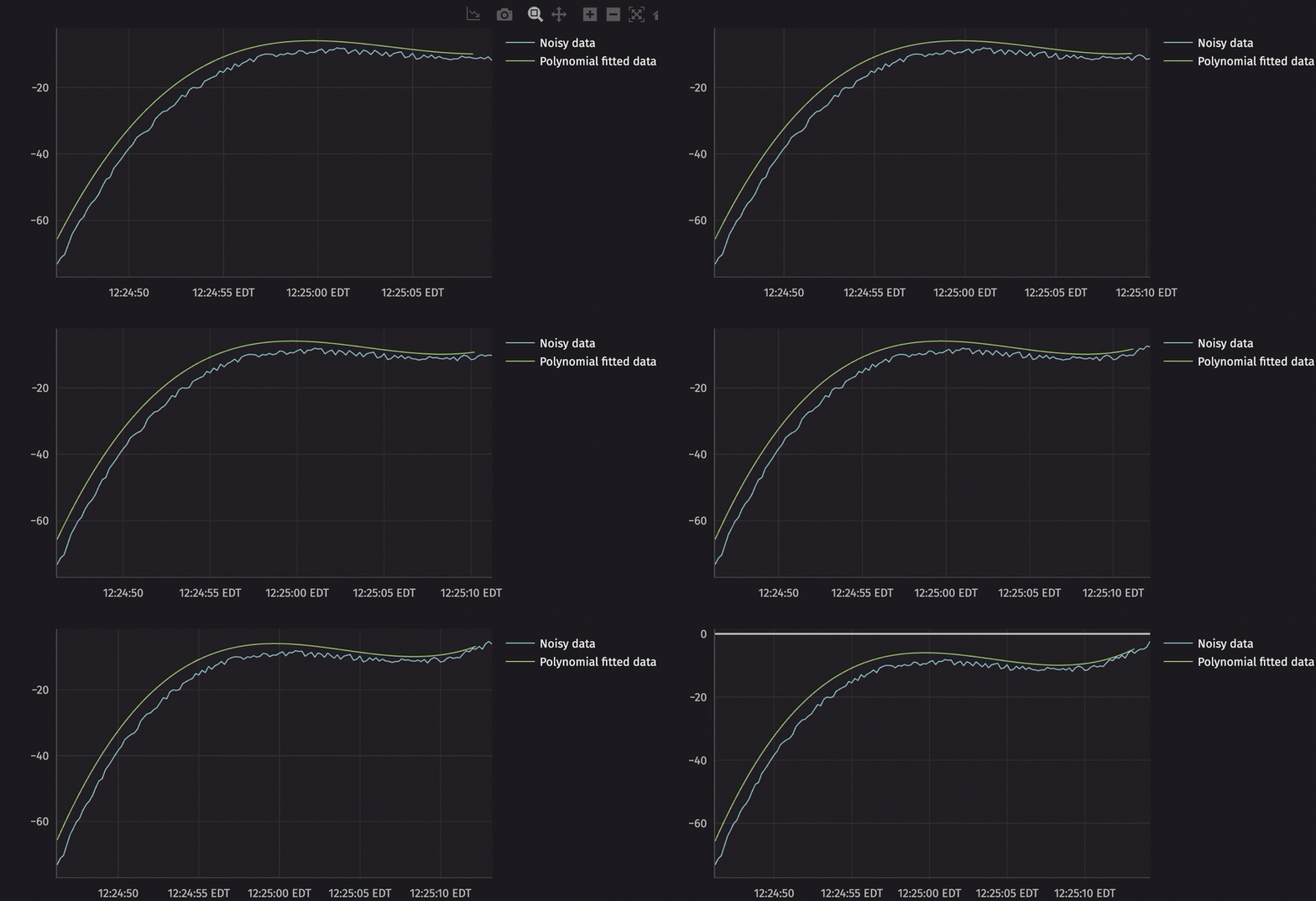
In this workflow, the table listener is made to listen to both rows that have been added and modified in the current update cycle. It then applies the polynomial model to the data and publishes the results to a new table called preds. Since the table publisher only produces a blink table of current model outputs, the blink table is converted to an append-only table via blink_to_append_only to store the full history of the model's outputs.
Utilize a thread pool
To see a consistent data snapshot, an update graph (UG) lock is acquired before the listener function is evaluated for an update. Slow listener evaluations can cause the entire update graph calculation to fall behind. To avoid this, slow calculations can be offloaded to other threads. The following code block uses a thread pool in Python's concurrency library to illustrate the concept:
Workflow trade-offs
So, you have a trained AI/ML model and aren't sure which workflow to use. Here are some things to consider:
- A single table operation is the simplest way to make predictions with a model. It's done in a single line of code. The listener + publisher is a more complex workflow, but it offers more flexibility. For instance, it can handle multi-row inputs and outputs and take advantage of vectorization for performance.
- The listener + publisher can handle delayed calculations and can utilize a thread pool to manage workloads. The table operations will hold the UG lock until the work is finished.