Write data to an in-memory, real-time table
This guide covers publishing data to in-memory ticking tables with two methods:
A Table Publisher publishes data to a blink table, while a Dynamic Table Writer writes data to an append-only table. Both methods are great ways to ingest and publish data from external sources such as WebSockets and other live data sources. However, we recommend table_publisher in most cases, as it provides a newer and more refined API, as well as native support for blink tables.
Table publisher
Table publisher uses the table_publisher factory function to create an instance of the TablePublisher as well as its linked blink table. From there:
- Add data to the blink table with
add. - (Optionally) Store data history in a downstream table.
- (Optionally) Shut the publisher down when finished.
More sophisticated use cases will add steps but follow the same basic formula.
The factory function
The table_publisher factory function returns a TablePublisher and its linked blink table, in that order. The following code block creates a table publisher named My table publisher that publishes to a blink table with two columns, X and Y, which are int and double data types, respectively.
Example: Getting started
The following example creates a table with three columns (X, Y, and Z). The columns initially contain no data because add_table has not yet been called.
Subsequent calls of add_table will add data to my_table.
The TablePublisher can be shut down by calling publish_failure. In this case, the when_done function invokes it.
Example: threading
The previous example required manual calls to add_table to populate my_table with data. In most real-world use cases, adding data to the table should be automated at some regular interval. This can be achieved using Python's threading module. The following example adds between 5 and 10 rows of data to my_table via empty_table every second for 5 seconds.
Important
A ticking table in a thread must be updated from within an execution context.

Example: asyncio
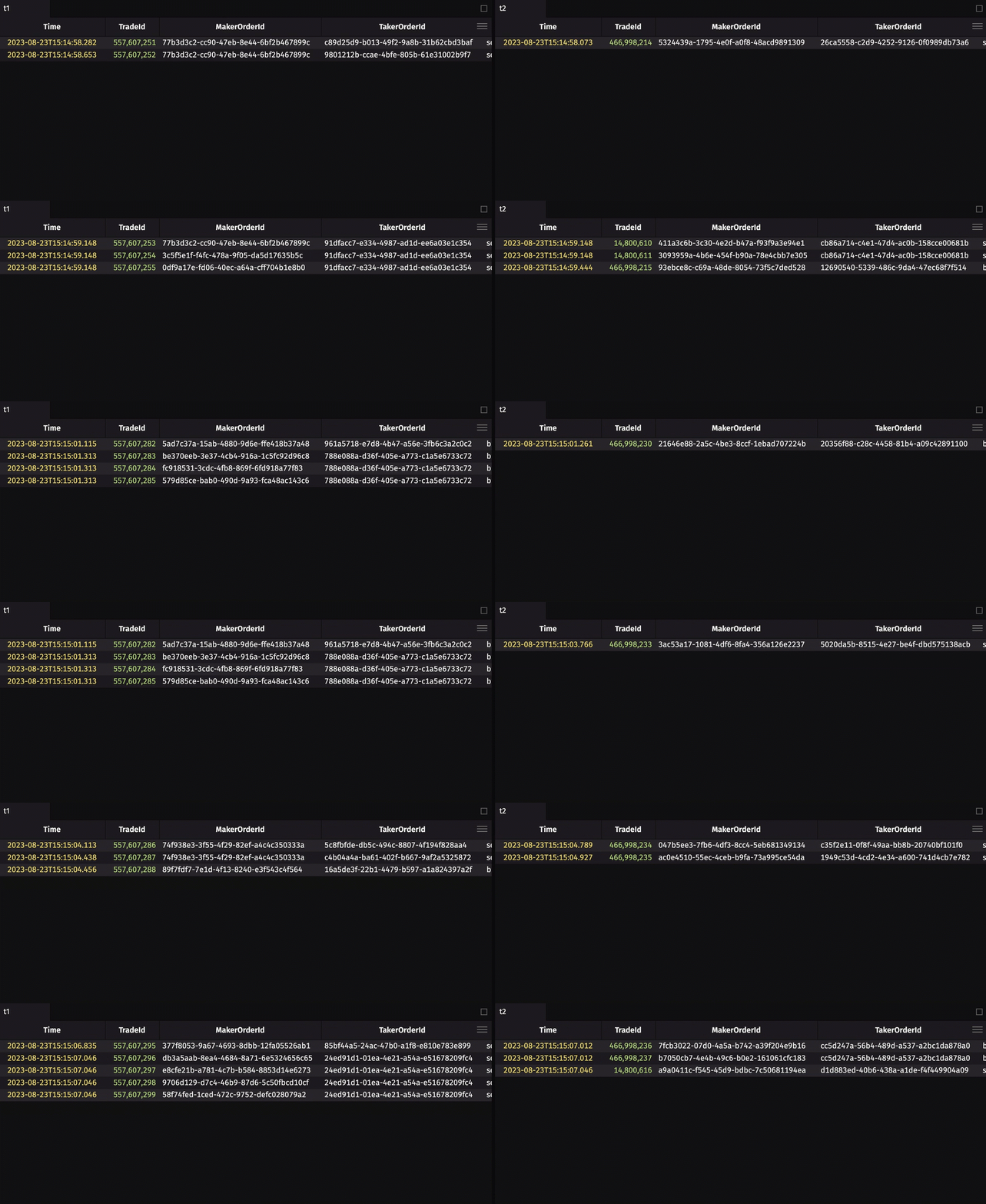
The following code block uses asynchronous execution to pull crypto data from Coinbase's WebSocket feed. The asynchronous execution is used for ingesting the external data to minimize idle CPU time.
Note
The websockets package is required to run the code below.
Data history
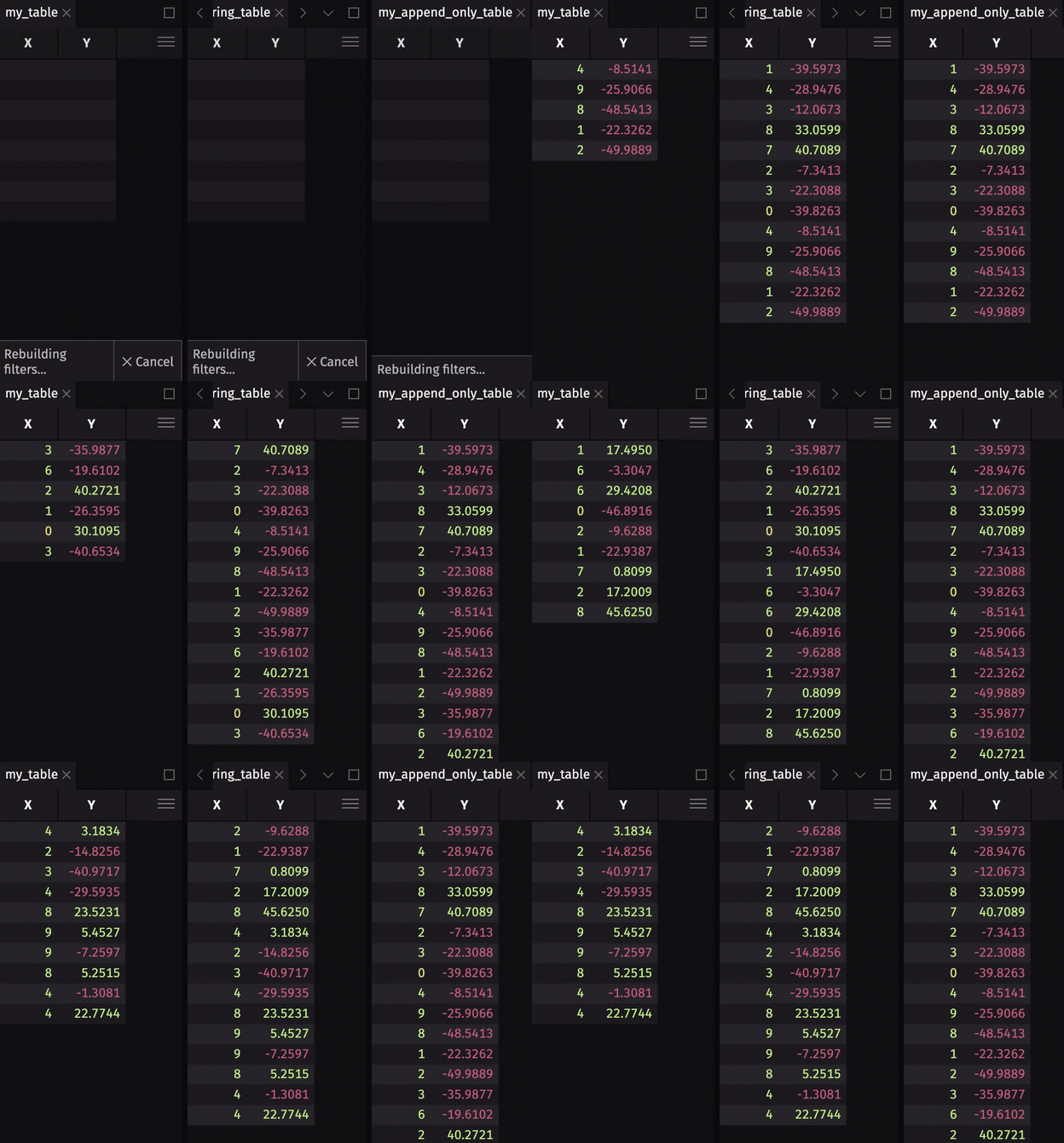
Table publishers create blink tables. Blink tables do not store any data history - data is gone forever at the start of a new update cycle. In most use cases, you will want to store some or all of the rows written during previous update cycles. There are two ways to do this:
- Store some data history by creating a downstream ring table with
ring_table. - Store all data history by creating a downstream append-only table with
blink_to_append_only.
See the table types user guide for more information on these table types, including which one is best suited for your application.
To show the storage of data history, we will extend the threading example by creating a downstream ring table and append-only table.
DynamicTableWriter
DynamicTableWriter writes data into live, in-memory tables by specifying the name and data types of each column. The use of DynamicTableWriter to write data to an in-memory ticking table generally follows a formula:
- Create the
DynamicTableWriter. - Get the table that
DynamicTableWriterwill write data to. - Write data to the table (done in a separate thread).
- Close the table writer.
Important
In most cases, a table publisher is the preferred way to write data to a live table. However, it may be more convenient to use DynamicTableWriter if you are adding very few rows (i.e., one) at a time and you prefer a simple interface. It is almost always more flexible and performant to use table_publisher.
Example: Getting started
The following example creates a table with two columns (A and B). The columns contain randomly generated integers and strings, respectively. Every second, for ten seconds, a new row is added to the table.
Example: Trig Functions
The following example writes rows containing X, sin(X), cos(X), and tan(X) and plots the functions as the table updates.
DynamicTableWriter and the Update Graph
Both the Python interpreter and the DynamicTableWriter require the Update Graph (UG) lock to execute. As a result, new rows will not appear in output tables until the next UG cycle. As an example, what would you expect the print statement below to produce?
You may be surprised, but the table does not contain rows when the print statement is reached. The Python interpreter holds the UG lock while the code block executes, preventing result from being updated with the new rows until the next UG cycle. Because print is in the code block, it sees the table before rows are added.
However, calling the same print statement as a second command produces the expected result.
All table updates emanate from the Periodic Update Graph. An understanding of how the Update Graph works can greatly improve query writing.