Display tables in an Inline Frame
In this guide, you'll learn how to create a basic web page with embedded tables and charts from Deephaven using Inline Frames (IFrames). In addition to the Deephaven Web UI, the Deephaven server also provides endpoints for fetching individual tables or charts. Add the following script using Application Mode to run through the examples below:
Display tables in an IFrame
Assuming your server is running at http://localhost:10000/ide/, the URL for retrieving a specific table is:
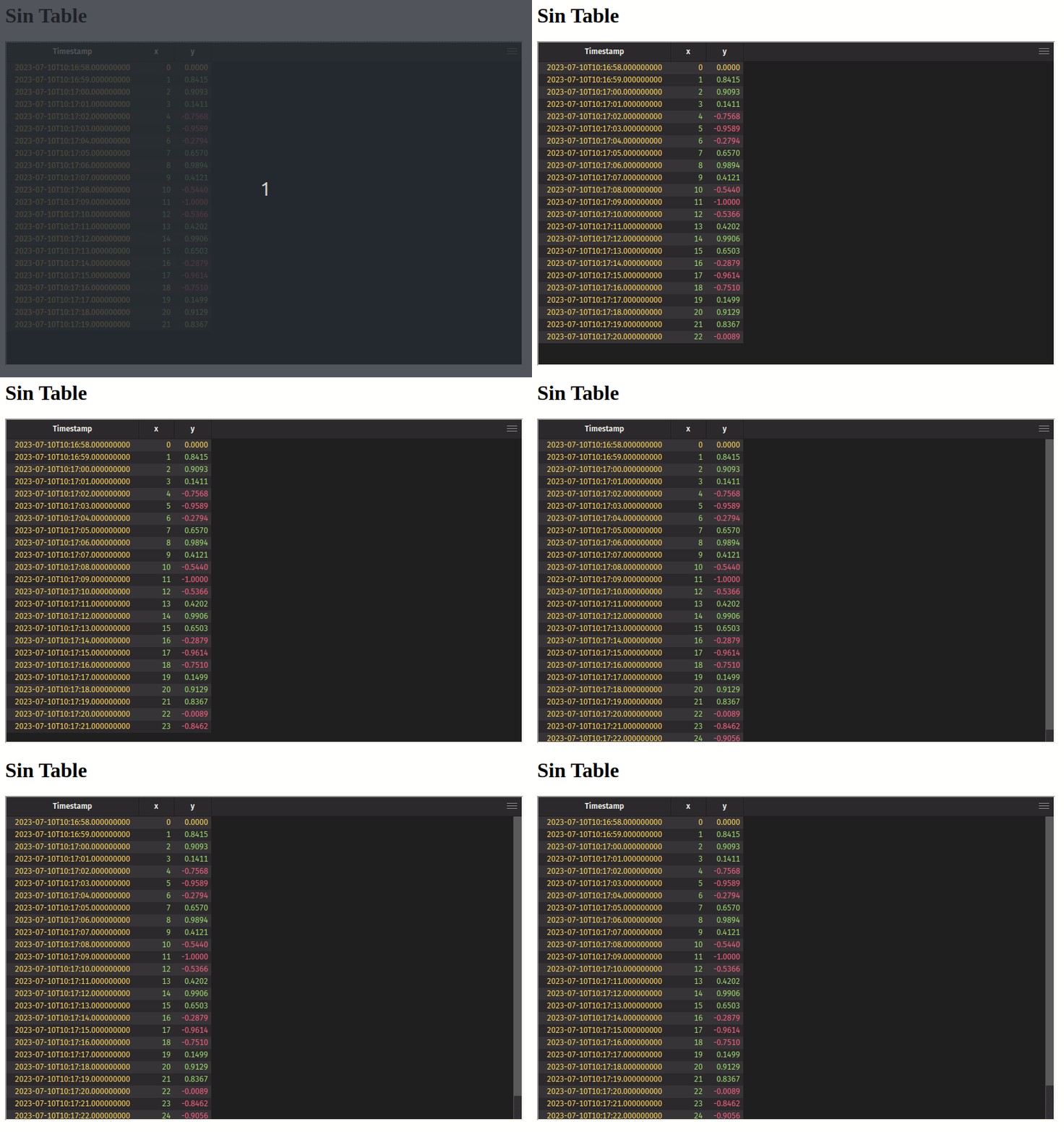
For example, to show the sin_table from the code above, the IFrame URL is http://localhost:10000/iframe/widget/?name=sin_table.
Here is a basic HTML page embedding an IFrame table:
Display charts in an IFrame
Assuming your server is running at http://localhost:10000/ide/, the URL for retrieving a specific chart is:
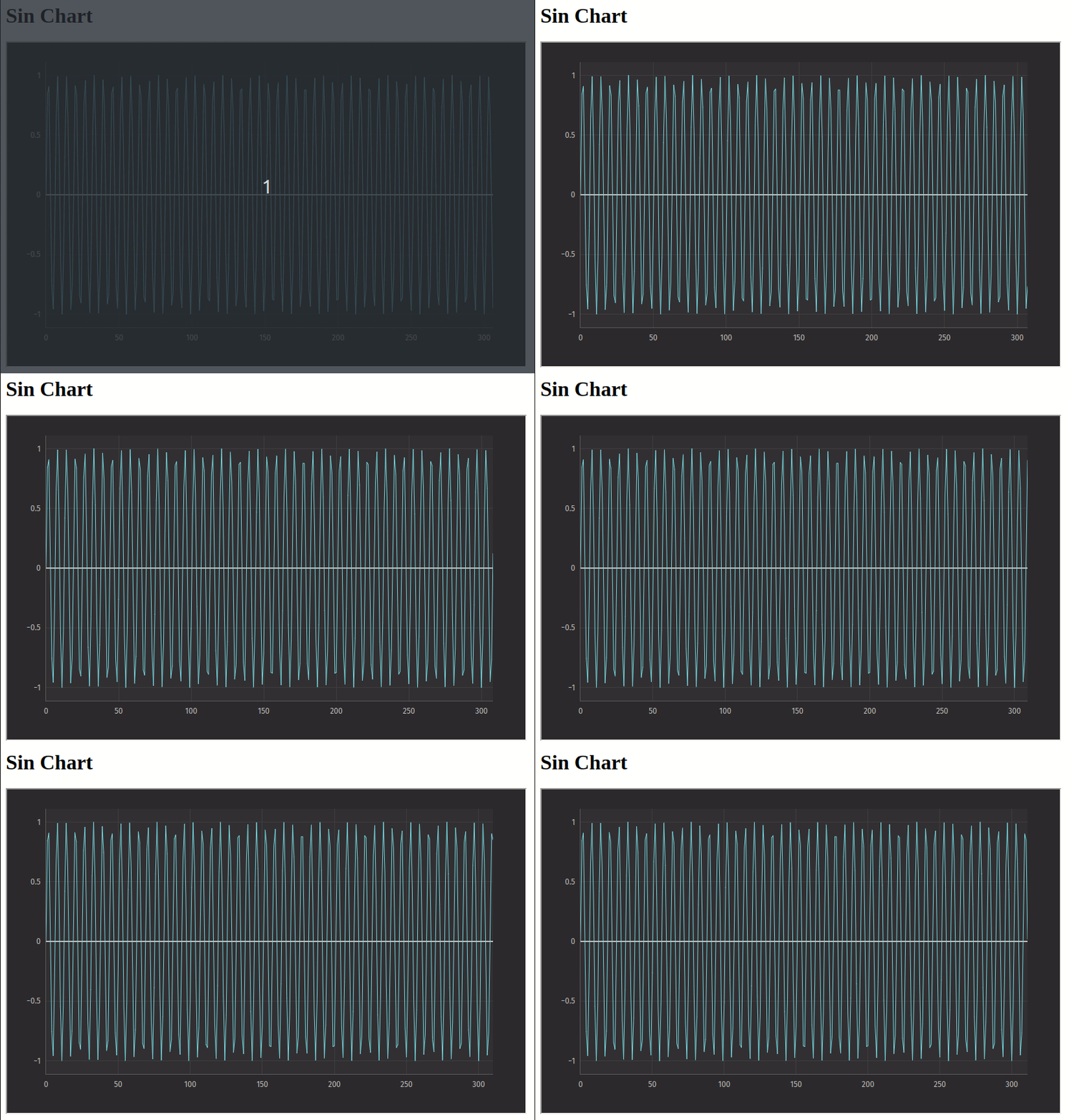
For example, to show the sin_chart from the code above, the IFrame URL is http://localhost:10000/iframe/widget/?name=sin_chart.
Here is a basic HTML page embedding an IFrame chart:
Authentication
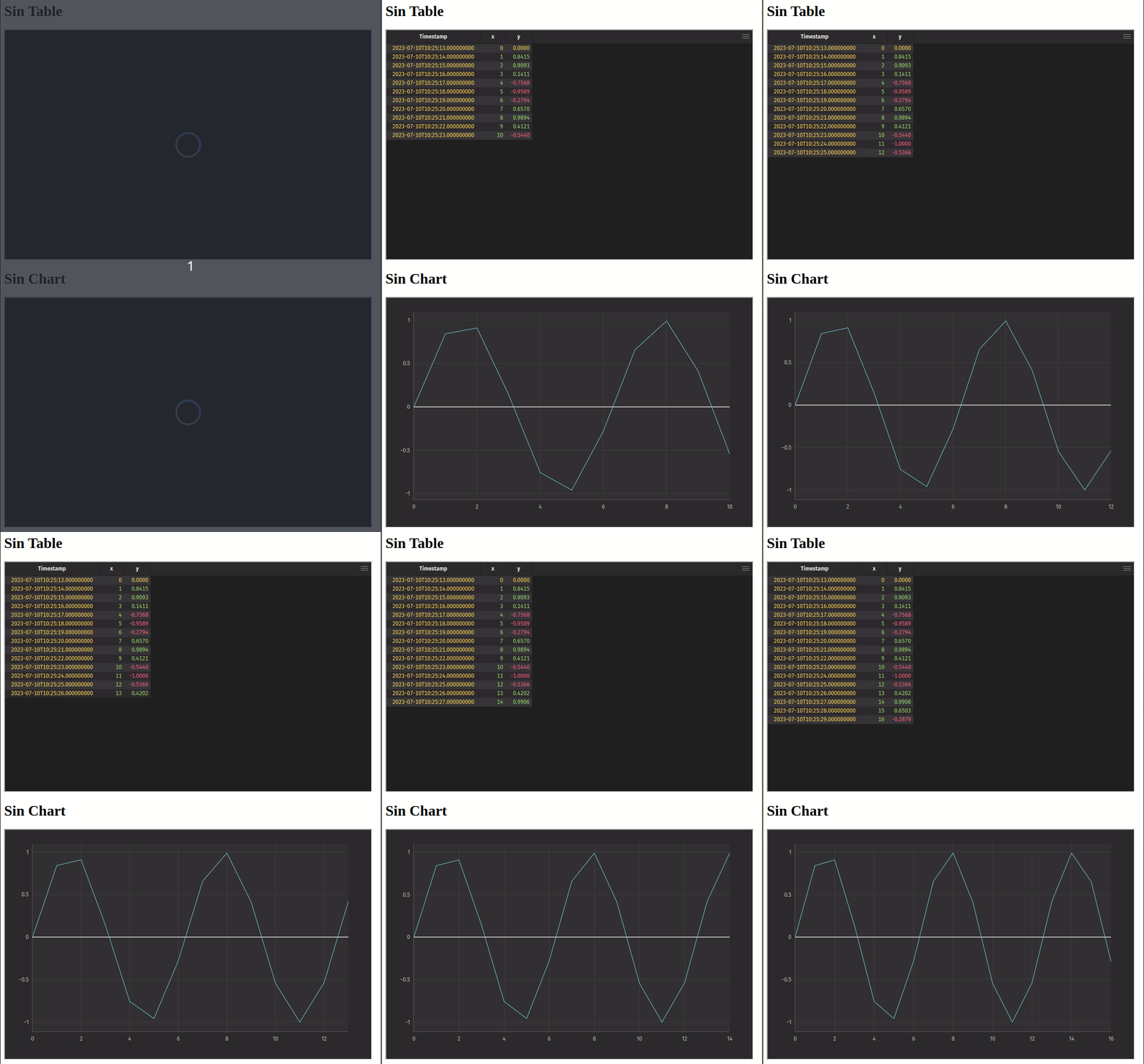
When embedding in IFrames, you may want to provide authentication details from the parent window. This can be done by providing the authProvider=parent query parameter on the IFrame URL, and then responding to the authentication request sent by the child window.
Expand for the full HTML.
Set theme colors
When embedding in IFrames, Deephaven can request color theme settings from the parent window using postMessage APIs. Provide the theme=external-theme query parameter on the IFrame URL, and then respond to the theme request sent by the child window.
You can optionally provide the preloadTransparentTheme=true query parameter to allow the parent window to show while the IFrame is still loading.
Expand for the full HTML.
The parent window can also explicitly set the theme by sending a requestSetTheme message to the child window.
Expand for the full HTML.