Web Bulk data ingestion
The Bulk Data Ingestion feature creates copies of existing queries across multiple partitions, enabling bulk data ingestion or batch operations.
The query type you start from determines the available workflow:
| Starting query type | Workflow | Includes |
|---|---|---|
| Import (CSV, JDBC, Binary Logs) | Import, merge, and validate | Import → Merge → Validation |
| Data Merge | Merge and validate | Merge → Validation |
| Data Validation | Validate only | Validation |
| Batch Query | Batch | Single dependent query |
Import, merge, and validate workflow
This workflow enables importing, merging, and validating bulk data using partitions. To open the dialog, right-click on a supported query type and select Bulk Data Ingestion from the context menu, or select the query and choose the option from the overflow menu.
Supported query types
The query type you start from determines which stages are included:
Import queries — Includes import, merge, and validation stages. Supported types:
- Import - CSV
- Import - JDBC
- Import - Deephaven Binary Logs
Data Merge queries — Includes merge and validation stages, without requiring an import query.
Data Validation queries — Includes only the validation stage.
Using the dialog
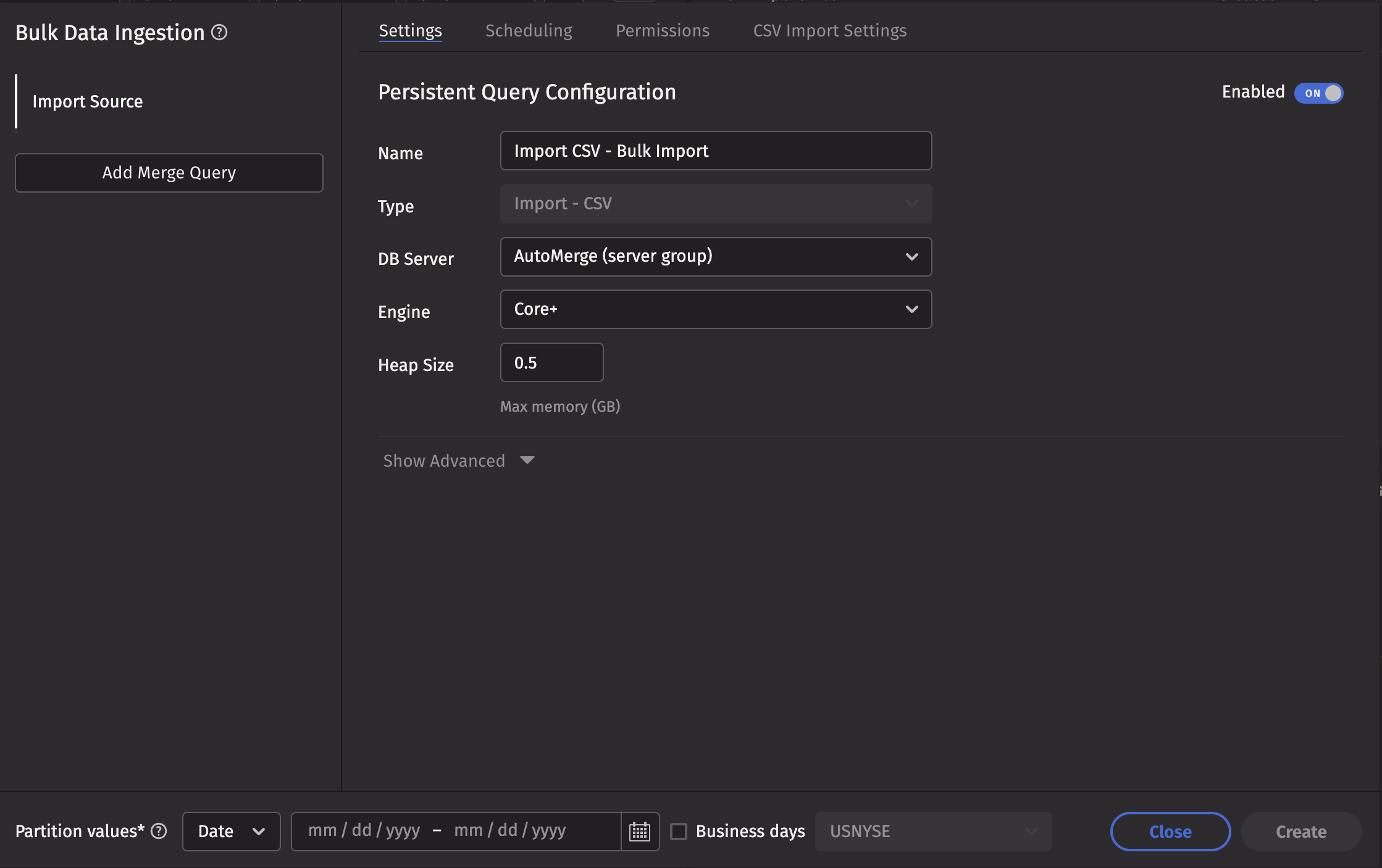
The dialog provides an interface for viewing, editing, and creating dependent queries.
Sidebar
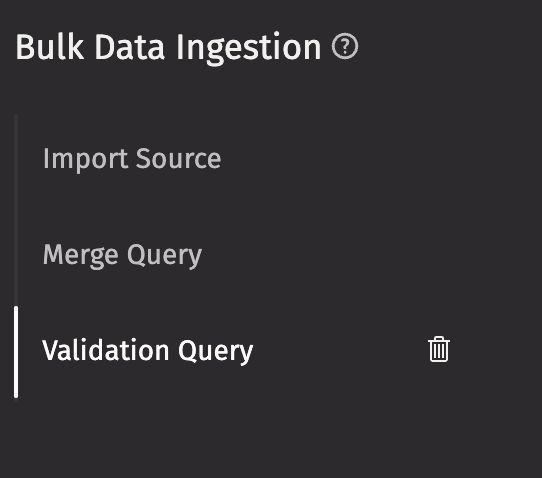
The sidebar displays buttons to add or delete merge and validation queries. Click any query in the sidebar to view and edit it in the right-hand editor panel.
Partition values
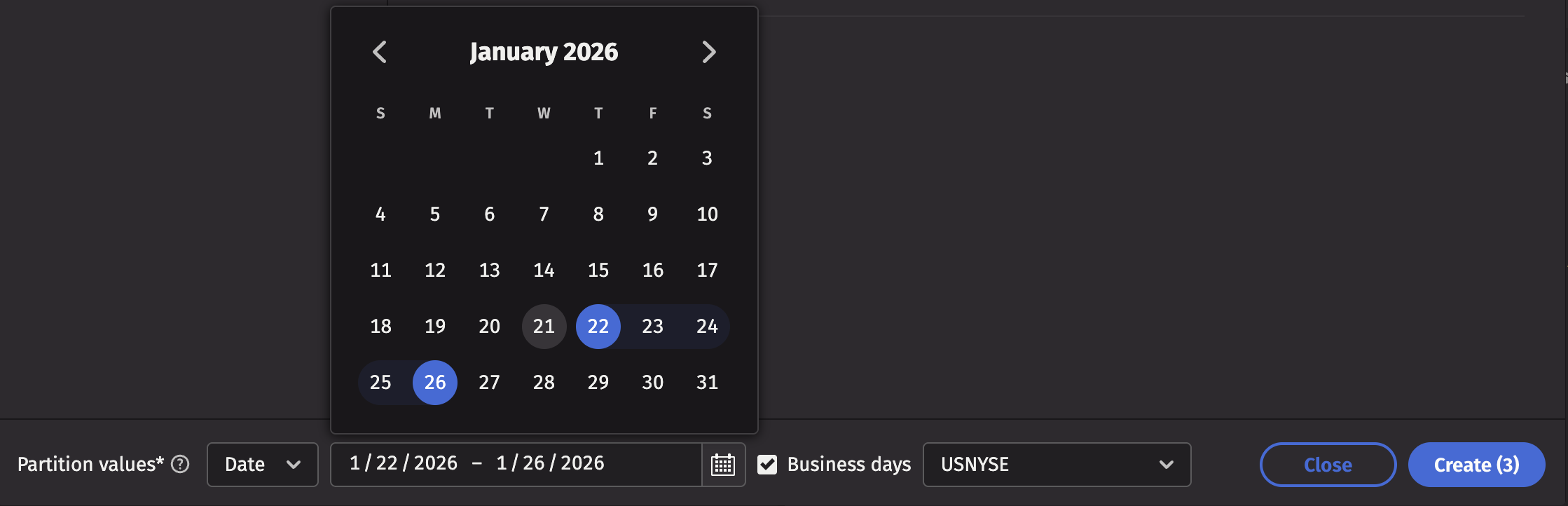
The partition value panel appears below the sidebar and editor. By default, it displays date partitions with a date picker for selecting a date range. Enable the business calendar option to exclude weekends and holidays.
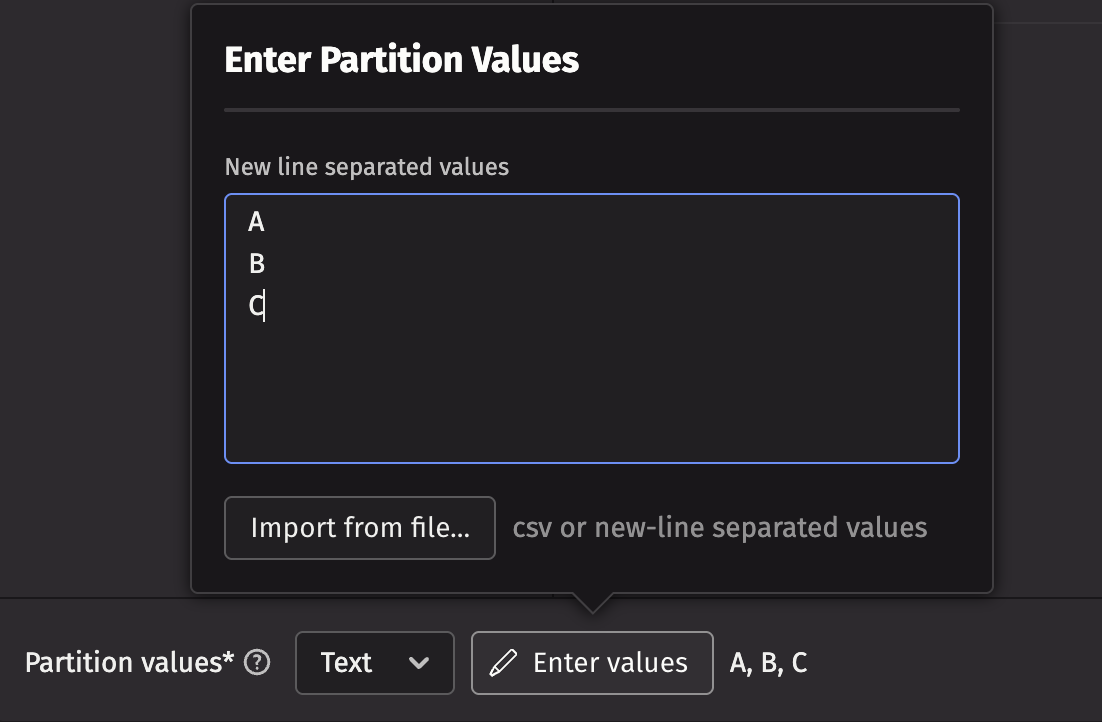
The partition value panel can be switched to text mode using the dropdown menu. This mode allows users to manually enter partition values or import them from either a CSV or newline-delimited file.
Create queries
Click the Create button to generate one query of each type for every partition. The button displays the total number of queries to be created, calculated by multiplying the number of partitions by the number of queries in the sidebar.
The partition value is automatically populated into the Partition Formula field for each query. Dependencies are established automatically: merge queries depend on their corresponding import queries, and validation queries depend on their corresponding merge queries. This ensures queries execute in the proper sequence.
Created queries are automatically deleted 24 hours after execution completes. To modify this retention period, adjust the Deletion Delay field in the scheduling tab of your query settings.
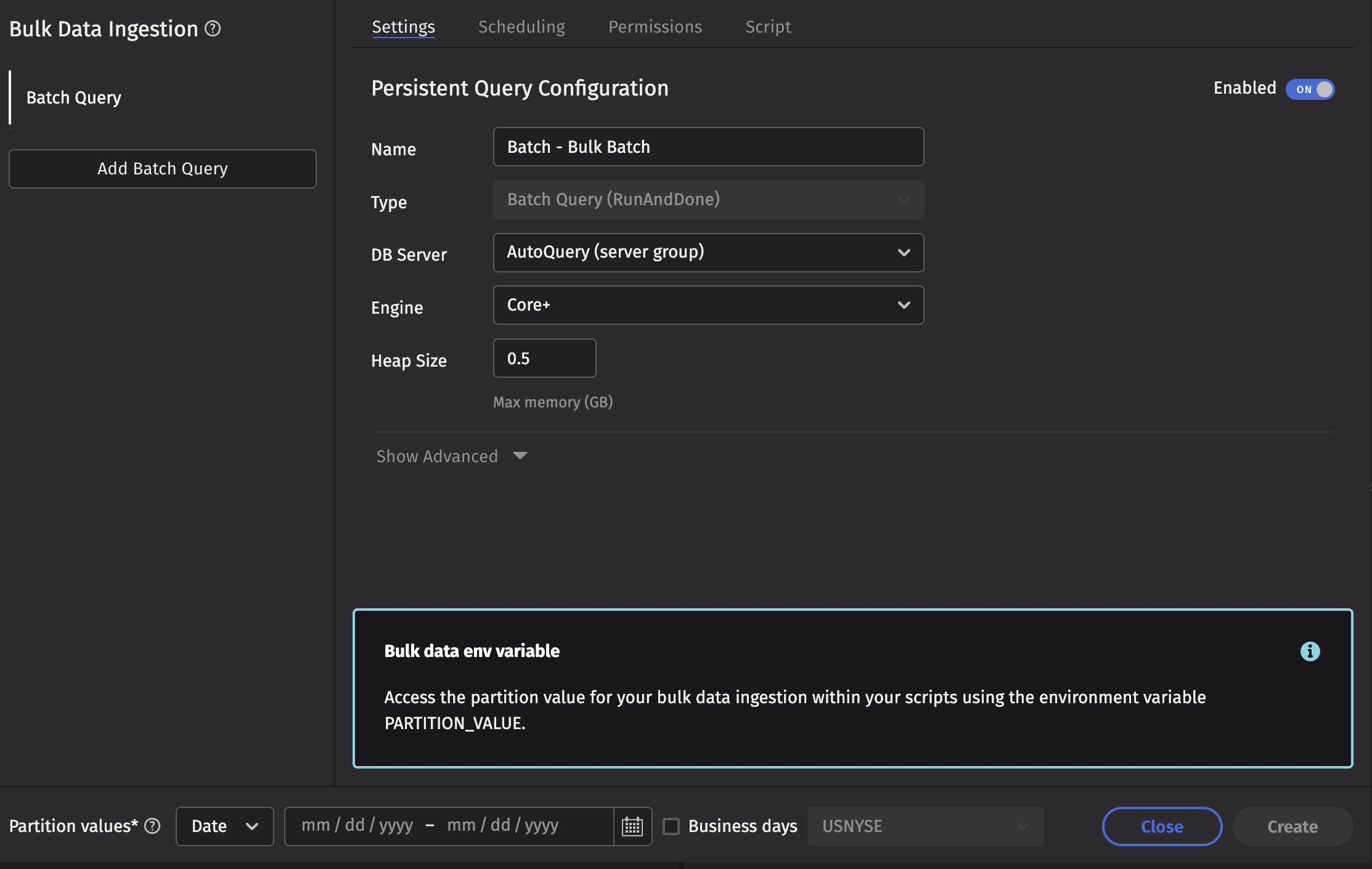
Batch workflow
The batch workflow is initiated by opening the dialog from one of these query types:
- Batch Query (RunAndDone)
- Batch Query - Import Server
The partition selection and query editor function identically to the import workflow. However, the sidebar is limited to creating a single dependent batch query, which can be any query type that supports temporary scheduling.
The primary distinction is that batch queries do not have a Partition Formula field. Instead, the partition value is exposed as an environment variable named PARTITION_VALUE.