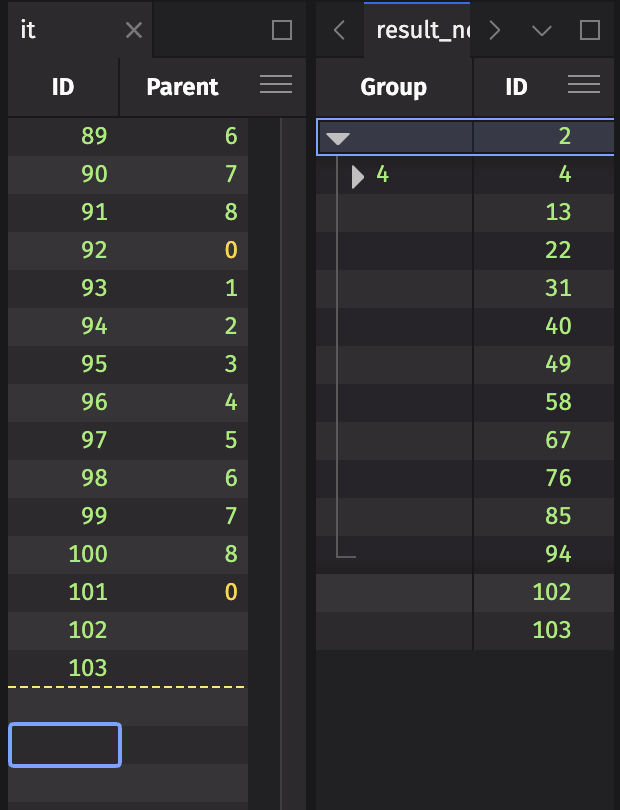
Create a hierarchical tree table
This guide shows you how to create a hierarchical tree table from a table whose rows reference each other through an ID column and a parent column. A tree table is a table with an expandable tree structure, as seen in the diagram below:
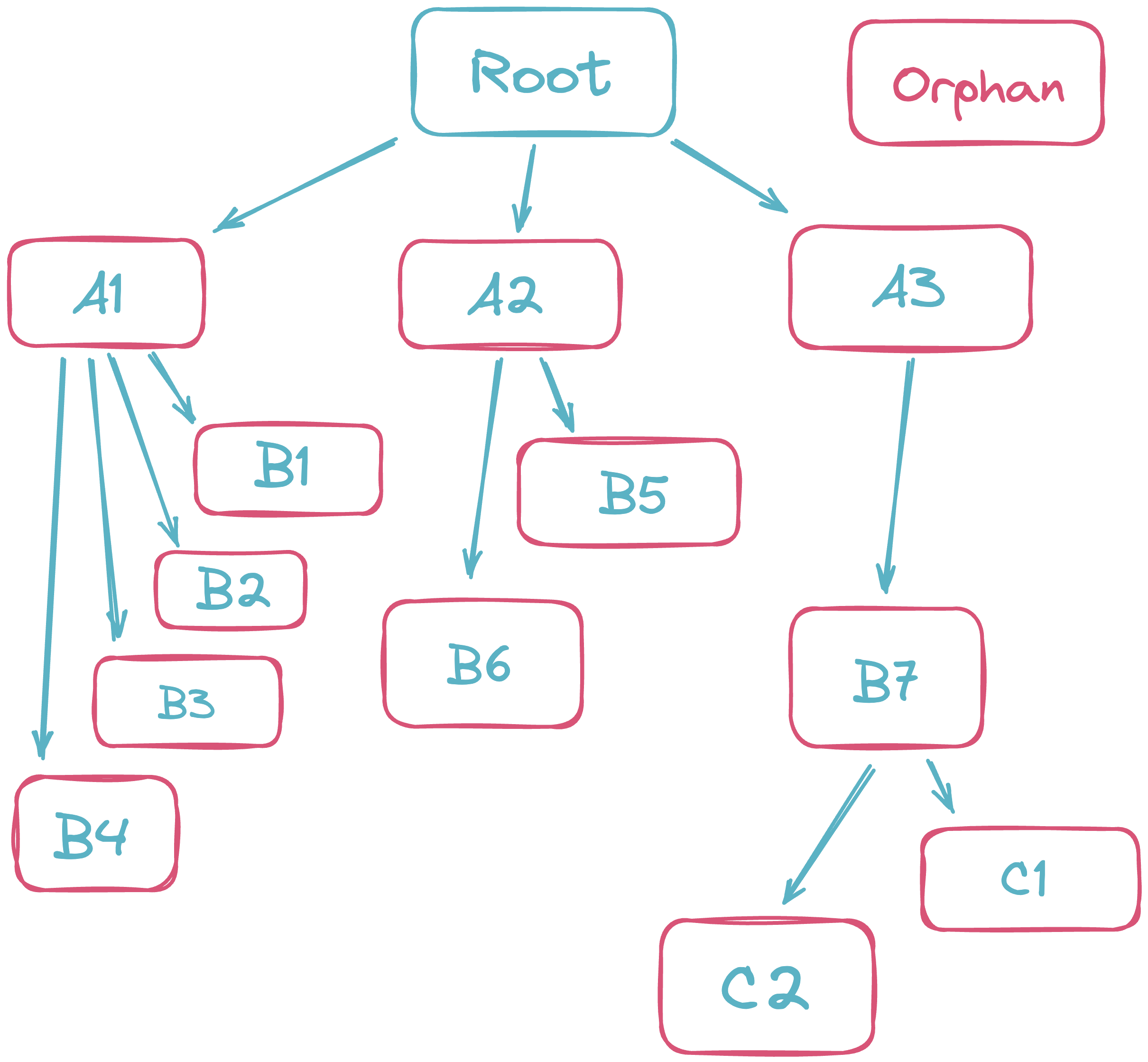
In computer science, trees are data structures used to represent hierarchical relationships between pieces of data. A tree stores its data in nodes. Each box in the diagram above is a node.
Every node except the root has one parent, and any node can have zero or more children. In the diagram above, B7's parent is A3, and its children are C1 and C2.
In a Deephaven tree table, the Root node at the top of the diagram is implicit and doesn't correspond to a row. Its children, like A1, A2, and A3, are the rows whose parent is null. These rows are the top-level nodes of the tree.
A row whose parent is missing from the table, like Orphan in the diagram, is an orphan. See Orphan nodes.
If your rows don't reference each other and you instead want to group rows by column values and aggregate each group, use a rollup table.
tree
Create a tree table with the tree method:
Where:
idColumnis the name of the column that contains the unique identifier for each node in the tree.parentColumnis the name of the column that contains the identifier of each node's parent. Rows with a null parent are top-level nodes.
Each row whose parentColumn value matches another row's idColumn value is a child of that row.
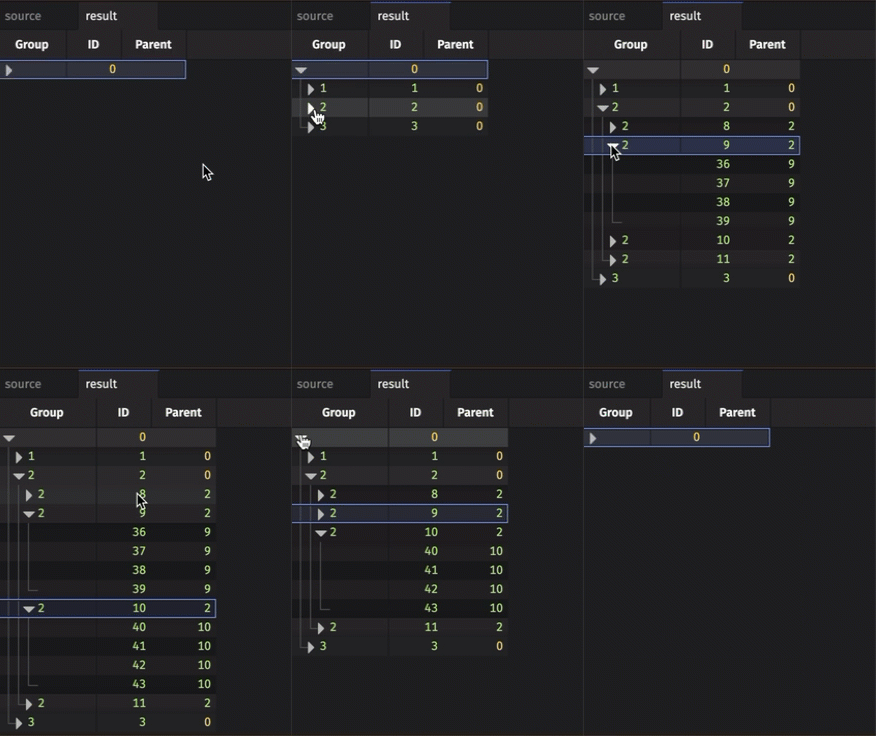
The resulting table initially shows only the top-level rows, collapsed. Click a row to expand it and show its children.
Examples
Static data
The following example creates a source table in which each row's Parent is its ID divided by 4, rounded down. Row 0 has a null parent, so it is the only top-level node. The example then builds a tree from the ID and Parent columns.
Real-time data
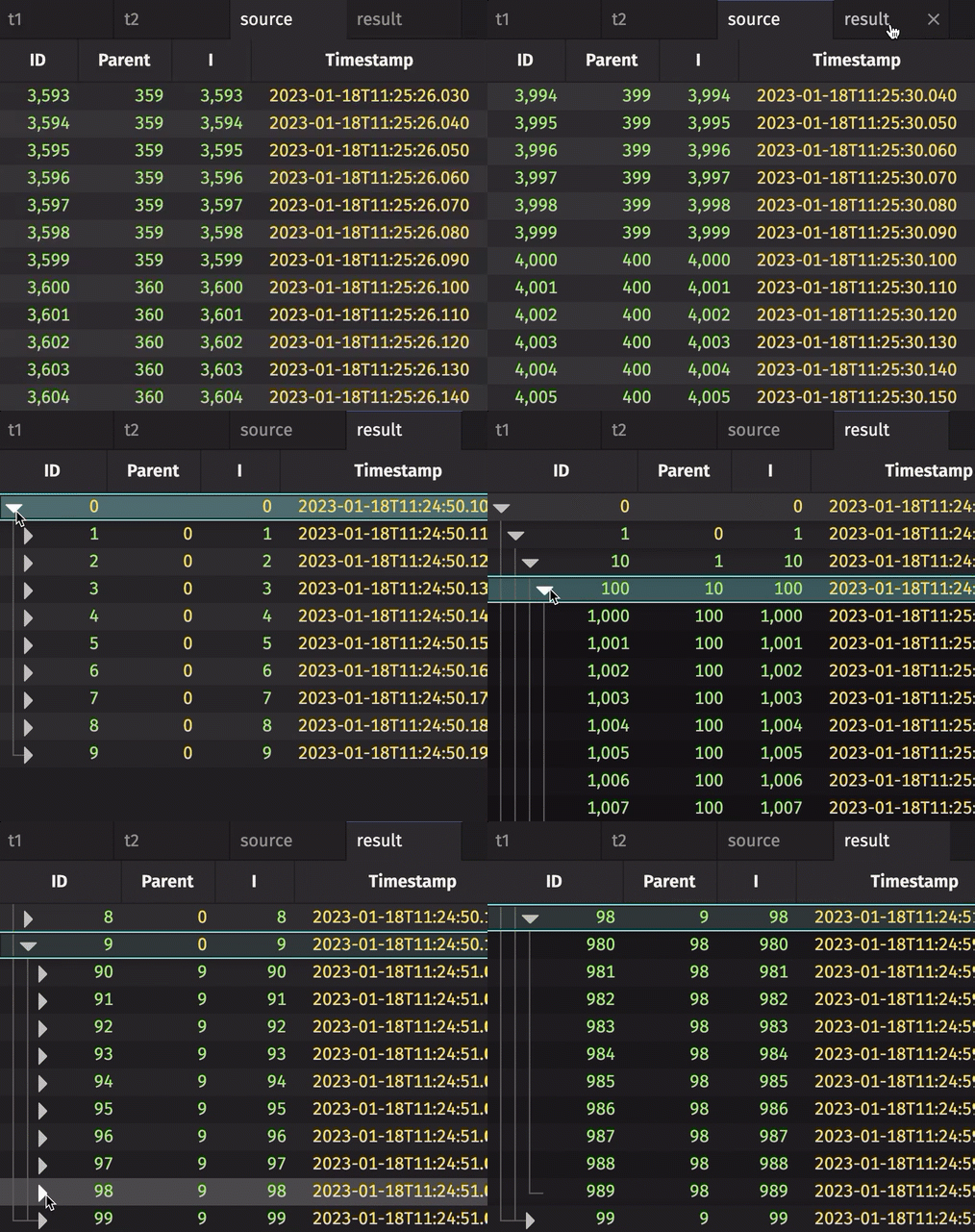
Tree tables work with ticking data the same way they work with static data, except that tree doesn't support blink tables. The following example builds the same kind of ID/Parent hierarchy as the static data example, with 10,000 rows. Each row's Parent is its ID divided by 10, rounded down.
It then creates a time table that adds one new I value every 10 milliseconds. After all 10,000 values have appeared, I wraps back to 0, and lastBy keeps only the latest row for each I. Joining the first table to the time table produces source, which contains only the rows whose ID matches an I value from the time table, so the tree grows as rows arrive. After the wrap, the tree updates in place instead of growing.
Orphan nodes
A row in a tree table is an orphan if both of the following are true:
- The row's parent is not null.
- No row in the table has that parent's ID.
By default, orphans and all of their descendants don't appear in the tree table. To include them, pass the source table to the static promoteOrphans method of the TreeTable class, and then call tree on the result. promoteOrphans sets each orphan's parent to null. The promoted orphans become top-level nodes alongside the rows whose parent is null. Their descendants appear beneath them.
In the following example, source has ID values from 2 to 103. Rows 2, 102, and 103 have a null parent. Every other row's parent is a number from 0 to 8, so the rows whose parent is 0 or 1 are orphans. Some orphans, such as row 3, have descendants of their own (rows 5, 7, 9, and others). resultNoOrphans leaves out the orphans and their descendants, and resultWithOrphans shows the orphans as top-level nodes with their descendants beneath them.
The following figure shows the end of source next to resultNoOrphans. Rows 2, 102, and 103 are top-level nodes. Orphans such as rows 92, 93, and 101, whose parents are 0 or 1, don't appear in the tree.