Create a time table
This guide shows you how to create a time table. A time table is a ticking, in-memory table that adds new rows at a regular, user-defined interval. Its sole column is a timestamp column named Timestamp.
Time tables often serve as trigger tables. A trigger table is a table whose updates cause snapshotWhen to take a new snapshot of another table. Used this way, a time table can:
- reduce the update frequency of ticking tables
- create the history of a table, sampled at a regular interval
Set the period
The timeTable method creates a table that adds one row every period, the interval between rows. You can pass the period as a number of nanoseconds:
Or as a duration string:
Tip
Duration strings use the ISO-8601 format "PnDTnHnMnS", where:
Pis the prefix to indicate a duration.Tseparates the day component from the time components.nis a number.D,H,M, andSare the units of time (days, hours, minutes, and seconds, respectively).
You can leave out units with a value of zero, and seconds can have a fractional part. For example, "PT2S", "PT1H30M", and "PT0.5S" are all valid. Deephaven also accepts the clock-style form "PThh:mm:ss", such as "PT00:00:02".
Set the start time
If you don't pass a start time, the first row's timestamp is the time of the table's first update cycle (one pass in which the engine processes new data), rounded down to the nearest multiple of the period. That timestamp can be later than the moment you call timeTable. See Details on the startTime parameter for more.
To specify the timestamp of the first row, pass a start time as the first argument:
When you run this code, result starts with at least 1801 rows: one at the start time and one for every two seconds after it, up to the current time. A delay of two seconds or more between computing the start time and creating the table adds one row for each full two-second period of delay.
The example calls reverse only so that the newest rows appear at the top. You don't need reverse to set a start time.
Create a blink time table
By default, the result of timeTable is append-only. A blink table instead retains only the rows from the most recent update cycle.
To create a blink time table, call timeTableBuilder, which returns a TimeTable.Builder. Then:
- Set the period with
period. - Pass
truetoblinkTable. - Call
build.
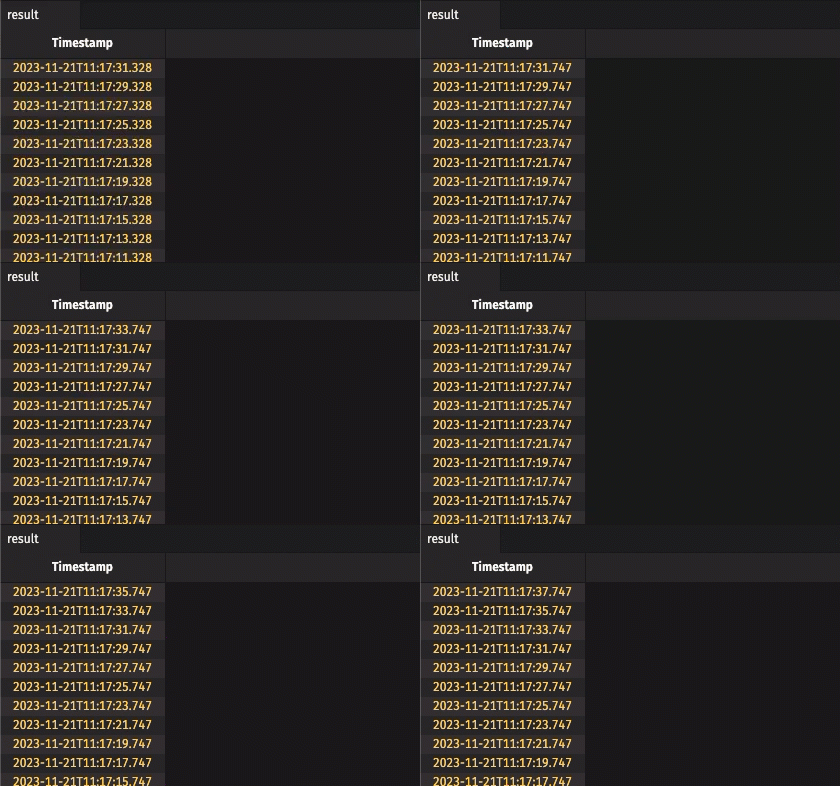
In the following example, a new row arrives every two seconds. By default, the engine runs an update cycle about once per second, so only about every other cycle adds a row. After a cycle that adds a row, the table holds only the rows added in that cycle, usually one. A slow cycle can add more than one. After a cycle that adds no row, the table is empty: