Dashboard Query Server Badge
The Dashboard Query Server Badge displays a small colored label on dashboard tabs indicating which query server the dashboard is running on. The badge is configurable from the server and may be enabled or disabled by users via the Application Settings UI.
Configuration
Example config:
Webapi.dashboard.queryServerBadge – a JSON object mapping query server names to badge appearance. Each entry specifies a label (the text shown in the badge) and a backgroundColor (a CSS color value). You can optionally provide color to override the text color, but this is usually unnecessary because the badge text color is auto-contrasted against the background. If this property is not set or is empty, no badge will be shown regardless of the user-preference settings. The keys in the map must match the dbServerName of the query server as reported by the controller.
Webapi.user.defaults.dashboardQueryServerBadge controls whether the badge is shown by default for users.
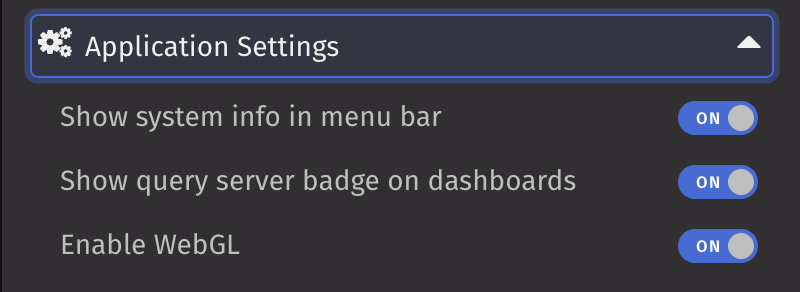
Webapi.user.defaults.dashboardQueryServerBadge.editable controls whether users can enable or disable the badge in Application Settings.
Behavior
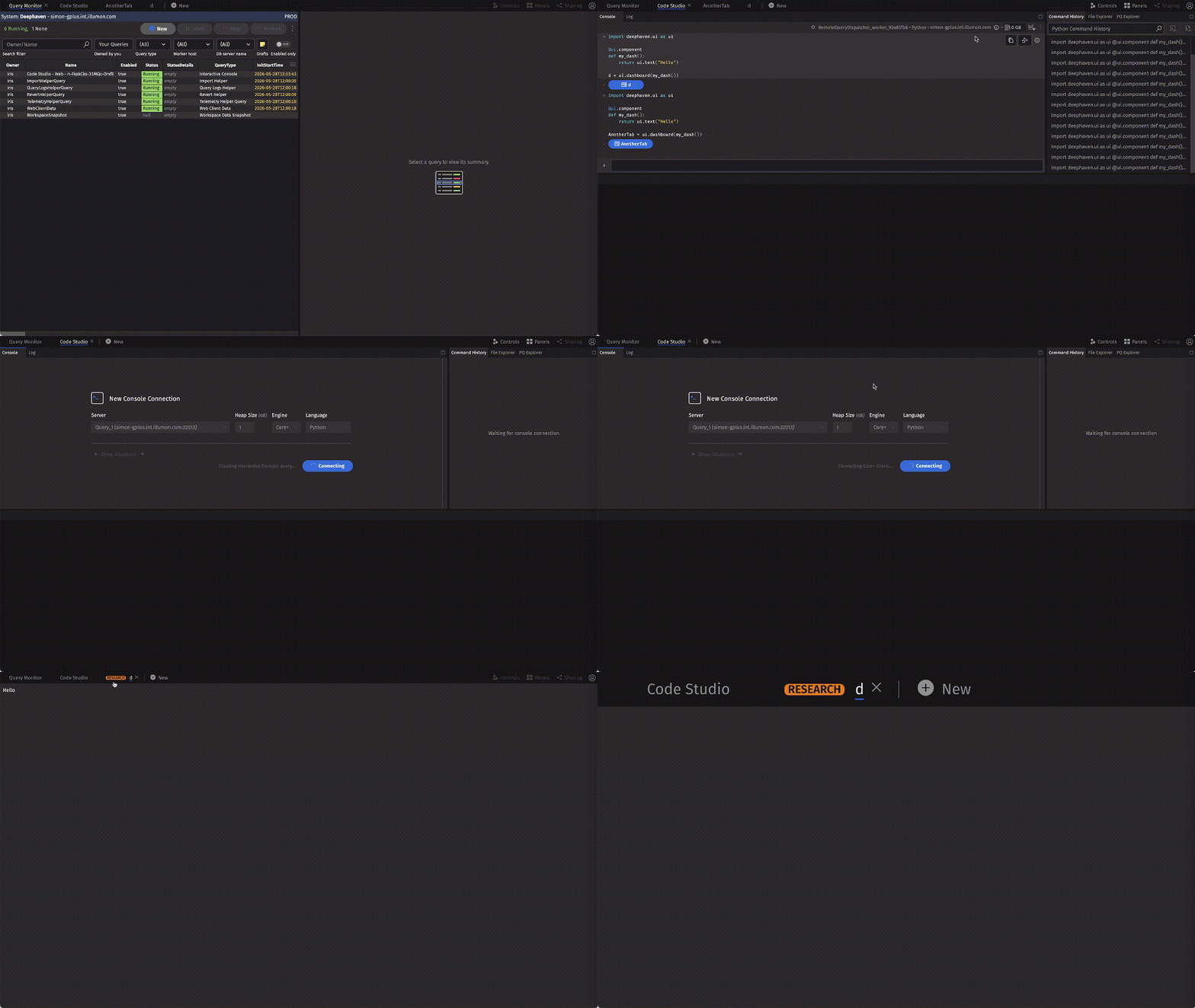
When enabled in Application Settings, active deephaven.ui.Dashboard tabs show a badge if the server mapping contains an entry for the dashboard's query server. The badge label and background color come from the server-provided mapping.
The badge appears only when all of the following are true:
Webapi.dashboard.queryServerBadgeis configured and contains an entry for the dashboard query server.- The user setting
showDashboardQueryServerBadgeis enabled. - The tab is an active
deephaven.ui.Dashboardtab.
Screenshots and demo
Dashboard Query Server badge example:
Application Settings when the badge toggle is editable and visible:
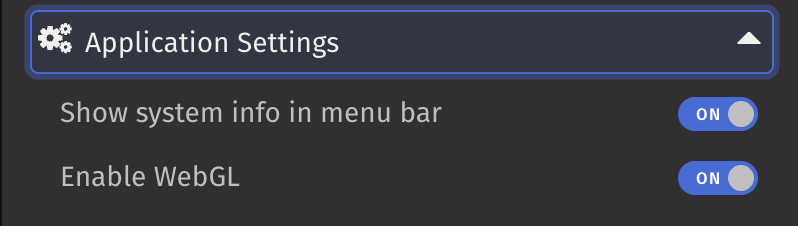
Application Settings when the badge toggle is not editable and therefore hidden: