Create Your First Tables
Static tables hold data that doesn't change, and ticking tables update as new data arrives. This chapter shows how to create static tables from scratch, read data from a file or URL into a table, create ticking tables, and replay static data as a ticking table.
Create static tables from scratch
The simplest way to create static tables from scratch is with newTable and emptyTable.
The two tables hold the same data, but each method builds it in a different way.
newTablebuilds a table directly from column type specifications and raw data.emptyTablebuilds a table with a specified number of rows and no columns. The example then adds columns withupdateViewand query strings such as"IntColumn = i".
Note
The special variables i and ii hold each row's position as an int and a long, respectively. They're safe in static tables like this one. The Query Strings chapter covers the limits on using them in ticking tables.
Read data from a file or URL
Deephaven can read common file formats such as CSV and Parquet. The following code block reads CSV data from a URL directly into a table.
Note
To read your own file, put it in a directory that your Docker command mounts into the container and pass its container path to readCsv. The Docker command in Get Started mounts the data directory in your current working directory at /data, so you read a file saved as data/my-file.csv on your machine with readCsv("/data/my-file.csv"). See Docker data volumes for more.
Create ticking tables
You can create ticking tables to get a feel for live data in Deephaven. The Architecture Overview briefly used timeTable. timeTable creates a ticking table with a single Timestamp column and adds a new row at a regular interval that you set.
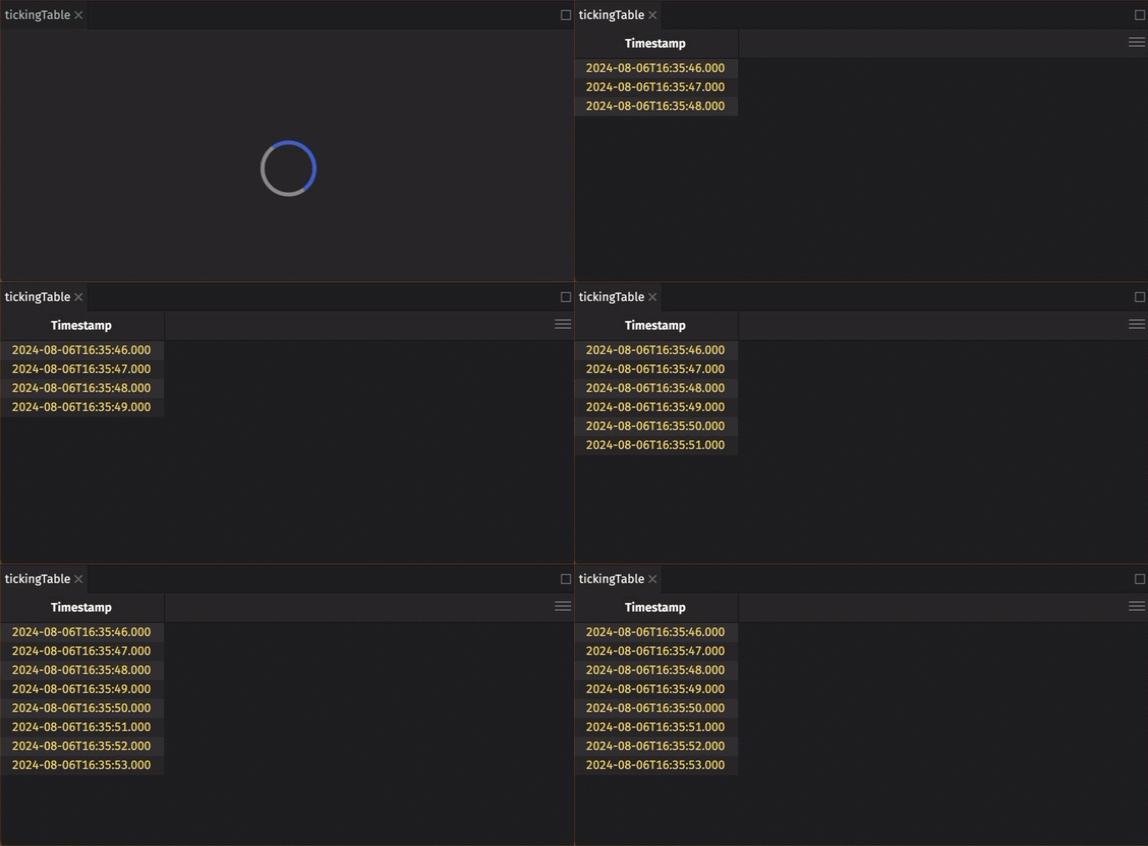
The PT1s argument is an ISO 8601 duration string that sets the period between rows. Consecutive rows have Timestamp values one second apart. In each update cycle, the engine usually adds one row to this table, but a delayed cycle can add several rows at once.
As in the Architecture Overview, you derive new ticking tables from existing ones with the same table operations and query strings you used in the static case. This time, watch how the two tables relate.
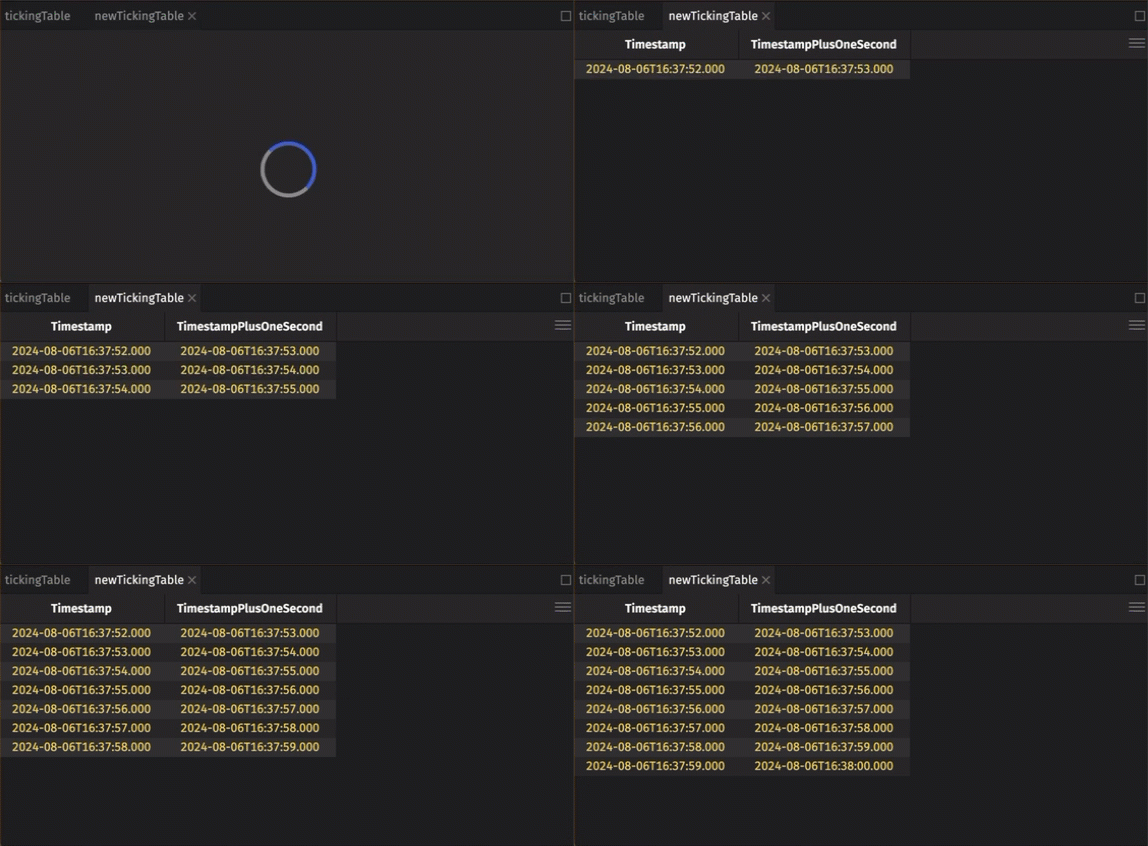
This is the DAG from the Architecture Overview at work. tickingTable is the parent (upstream) table, and newTickingTable is its child (downstream) table. The new table therefore ticks along with its source. In each update cycle that adds rows to tickingTable, the engine sends newTickingTable a change summary that lists only the newly added rows, so newTickingTable handles just those rows instead of the whole table.
Most real-world use cases for ticking data involve connecting to data streams that update continuously. Setting up these connections is outside the scope of this crash course. When you need one, see Deephaven's Apache Kafka integration, or use TablePublisher or DynamicTableWriter for other real-time sources.
Replay static data as ticking data
Real-time data is Deephaven's mission statement. One of the easiest ways to work with realistic ticking data is to replay static data with the Replayer. Use it to replay the crypto table ingested above:
When the replay starts, its clock begins at the start time passed to Replayer and advances in real time. Each row appears in replayedCrypto once the clock reaches the row's Timestamp. The code uses sort to order crypto by Timestamp first, because the replayer can't replay timestamps that decrease. sortDescending then puts the newest rows at the top.
Next, Basic Table Operations covers the table operations that appear in almost every query.