Real-time Plots
Whether your data is static or updating in real time, Deephaven supports plotting via multiple libraries, including Deephaven Express and Deephaven's built-in plotting API. Deephaven Express is a real-time version of Plotly Express.
Deephaven Express
Note
Deephaven Express is included in the ghcr.io/deephaven/server Docker image used in this crash course. If you installed Deephaven with pip, install Deephaven Express with pip install deephaven-plugin-plotly-express in the same Python environment as Deephaven, and then restart the server. Deephaven loads plugins only when the server starts.
Deephaven Express, the recommended plotting library, builds real-time plots directly from Deephaven tables. To create a simple line plot that ticks in lockstep with the source table, pass the table and its column names to dx.line. Passing a list of columns to y plots each column as a separate line with its own legend entry:
Deephaven Express also puts series on separate y axes with the yaxis_sequence argument and arranges several plots in a grid of subplots with dx.make_subplots.
Built-in plotting API
Deephaven also has a built-in plotting API. It is no longer under active development, so use Deephaven Express for new work. You'll still see the built-in API in existing queries, so the next sections show how it works.
A figure is the container that holds one or more plots. To plot Y1 as a line with the built-in API, create a Figure, add a series with plot_xy, and call show to display it:
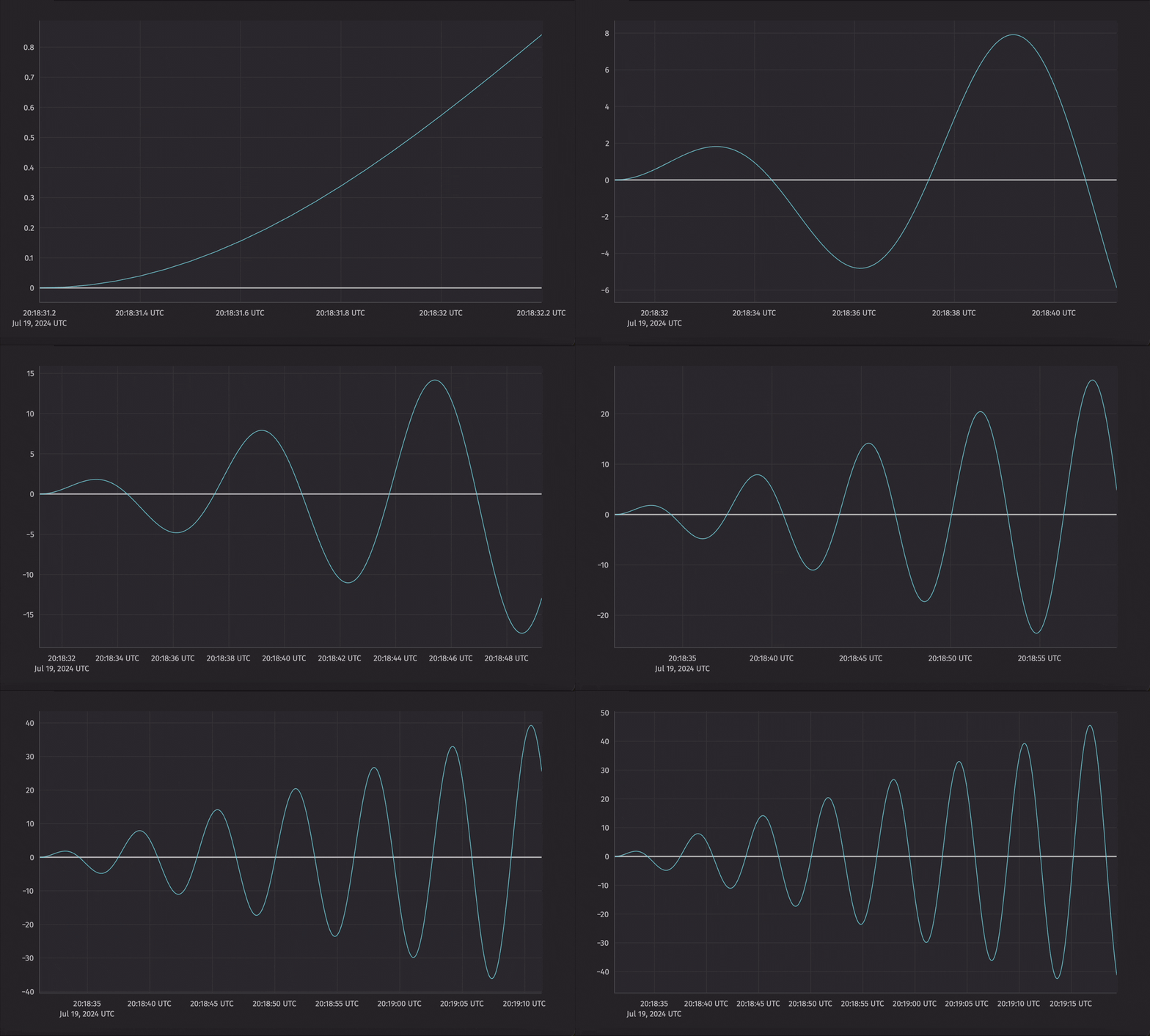
To plot both Y1 and Y2, as the Deephaven Express example does, chain plot_xy calls:
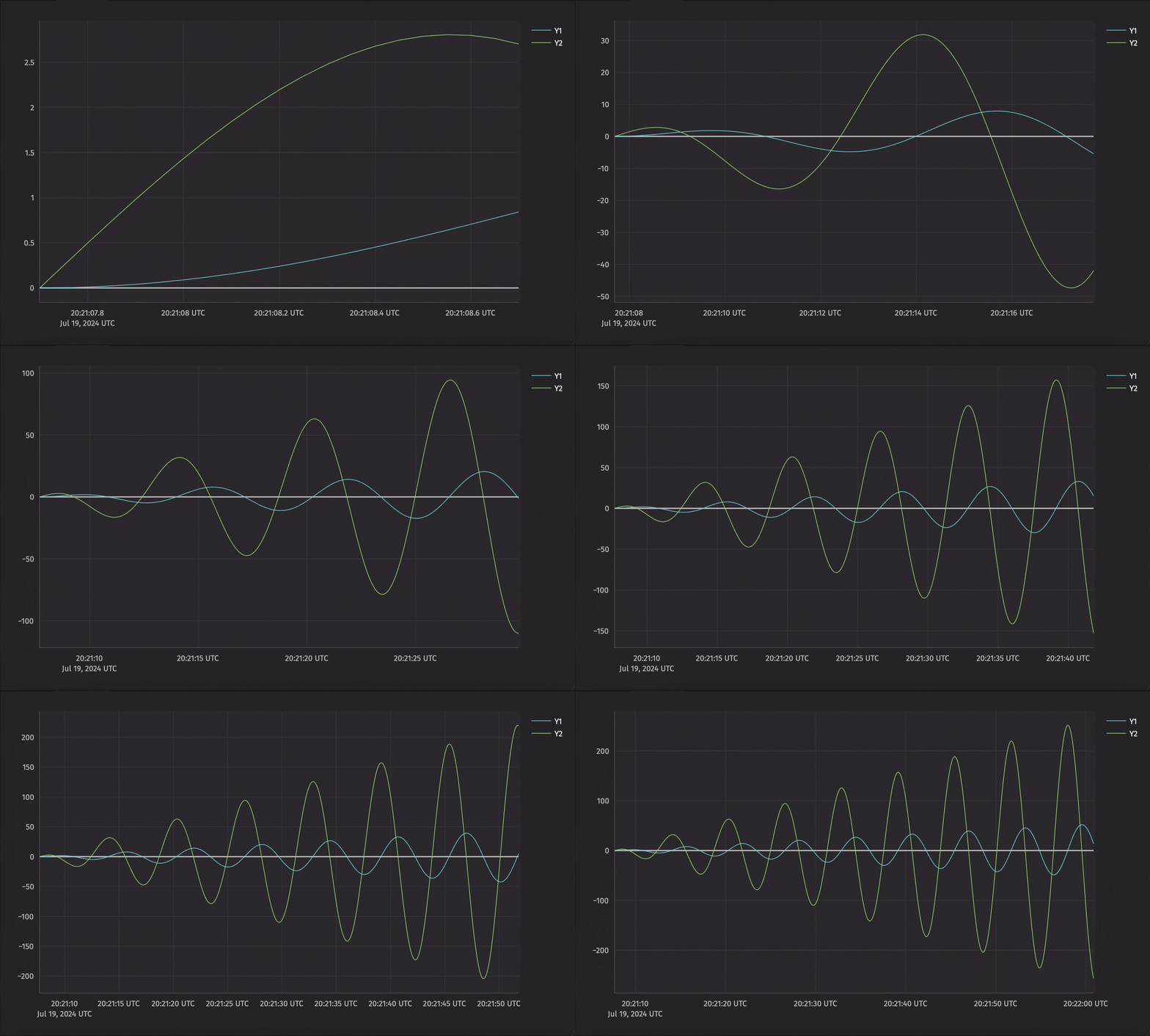
Plots with multiple axes
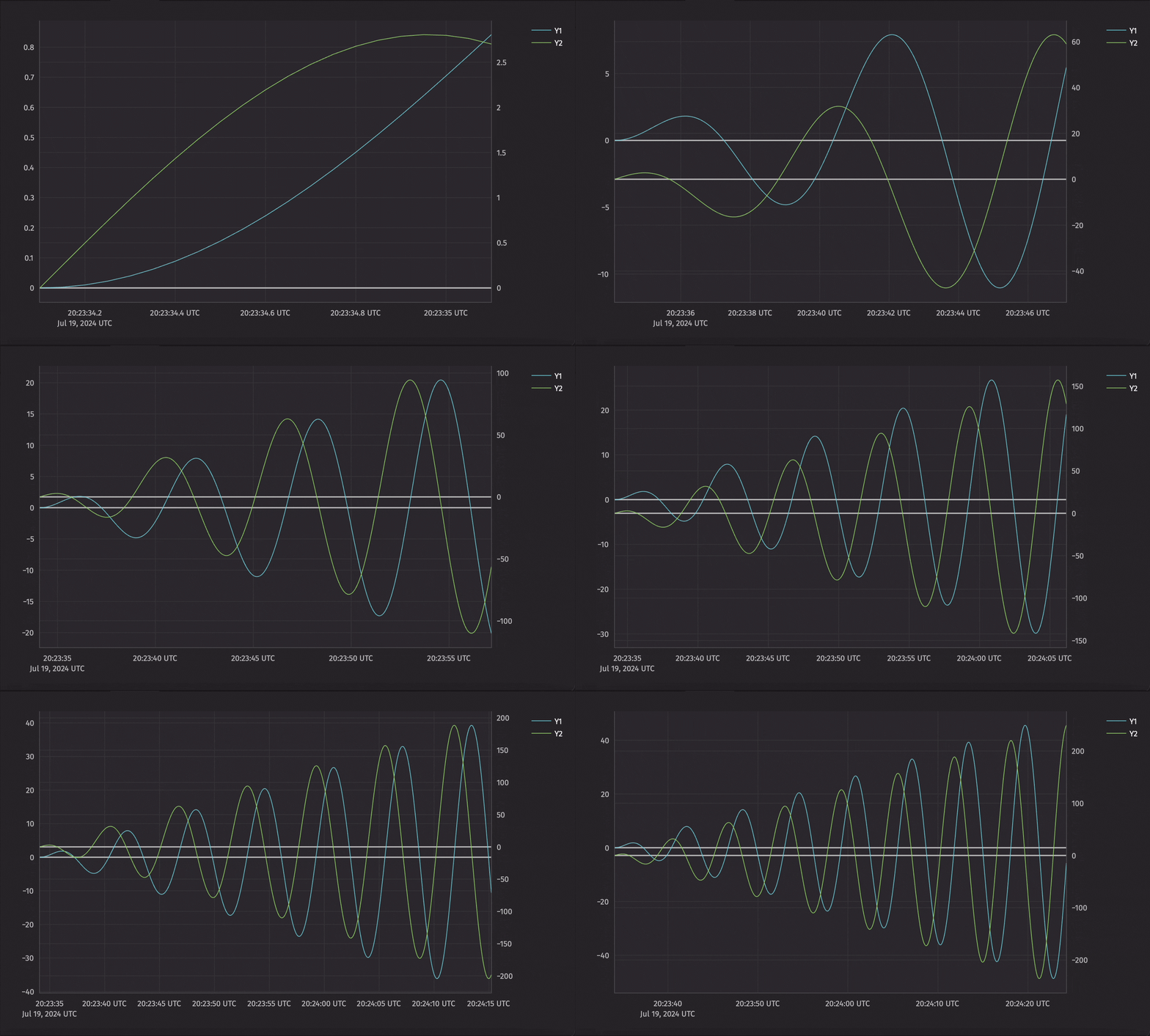
x_twin adds a new set of axes that shares the current x axis, so the plot gets a second y axis. y_twin does the same with a shared y axis, which gives a second x axis. The example below uses x_twin to plot Y1 and Y2 against one x axis, each with its own y axis.
Subplots
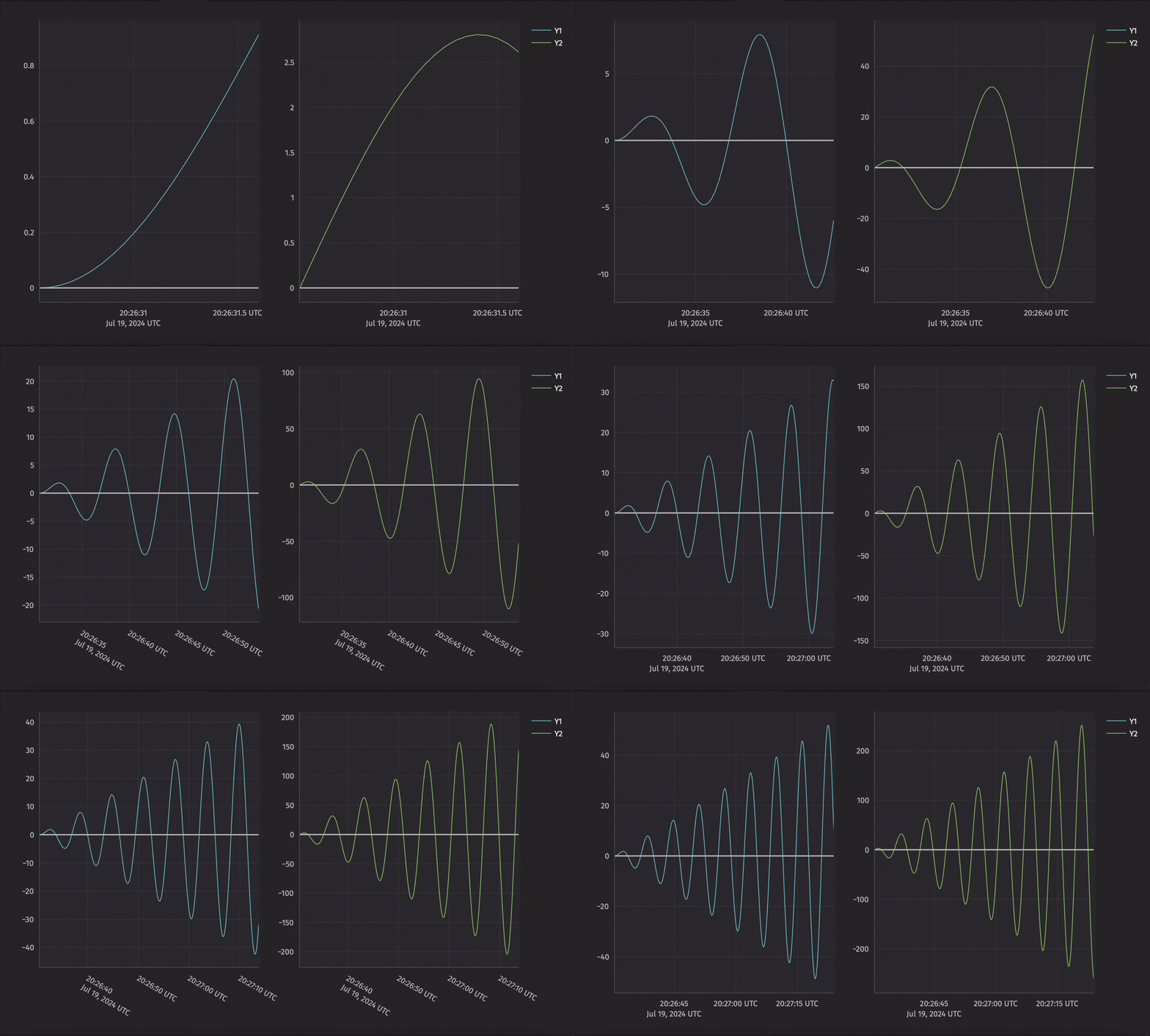
So far, each figure has held a single plot, even when that plot has several series. A figure can also hold several plots arranged in a grid. For instance, a single figure could contain two plots stacked vertically, two plots side by side, or four plots in a 2x2 grid. To create these subplots, set the grid size with the rows and cols arguments to Figure, then place each plot in a cell with new_chart, whose row and col indices start at 0.
The example below creates a figure with two subplots side by side.
More plot types
Deephaven Express has its own list of plot types. The built-in plotting API also offers far more plot types, including histograms, pie charts, and scatter plots. For other options, see the plotting overview, which also links to a guide on plotting with Matplotlib and Seaborn.
Tip
Prefer a no-code approach? Use the Chart Builder to create line, bar, scatter, and pie charts from any table directly in the UI.